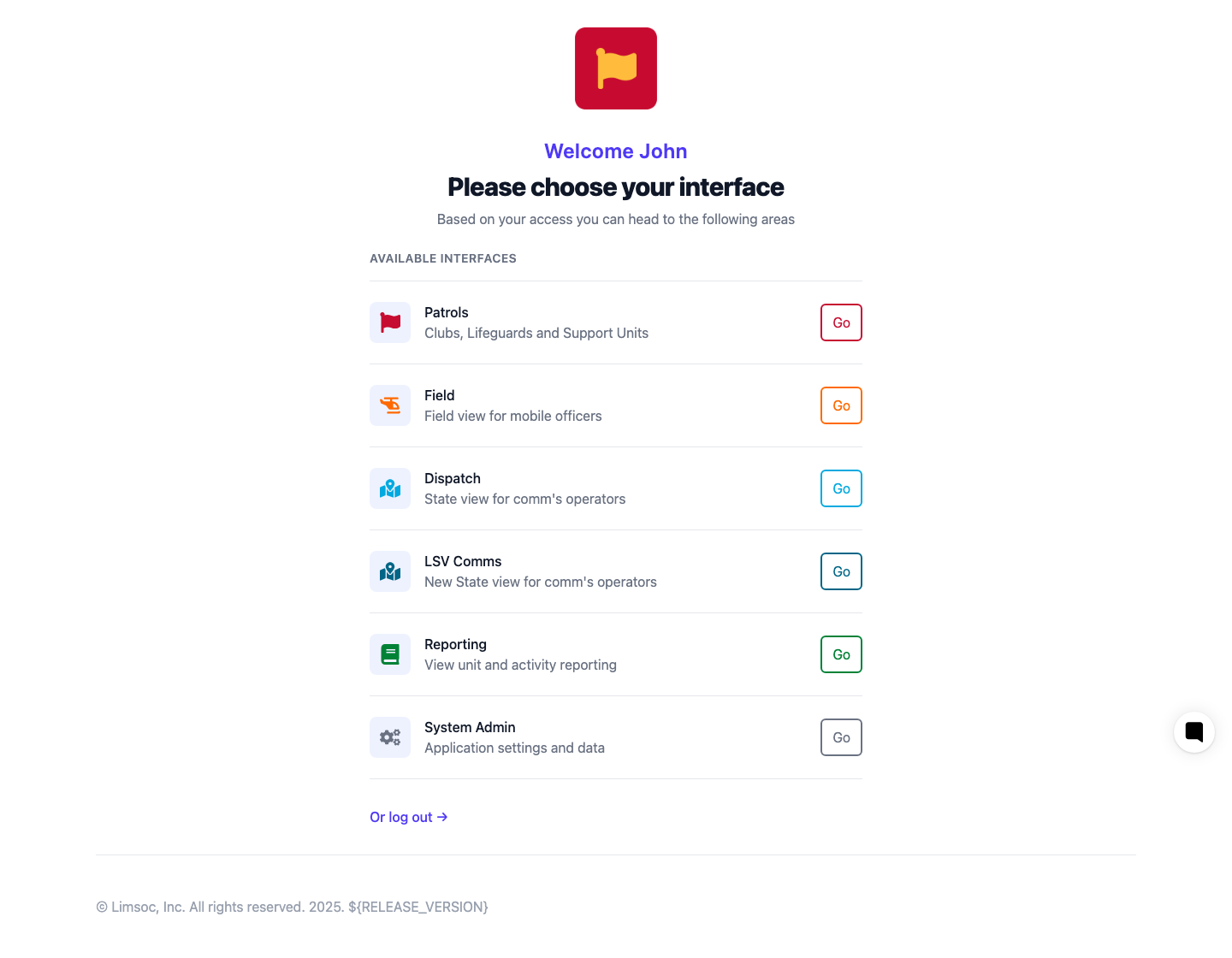
LIMSOC has five interfaces, each built for a different job. After you log in, you'll land on a picker showing only the interfaces your account has access to.
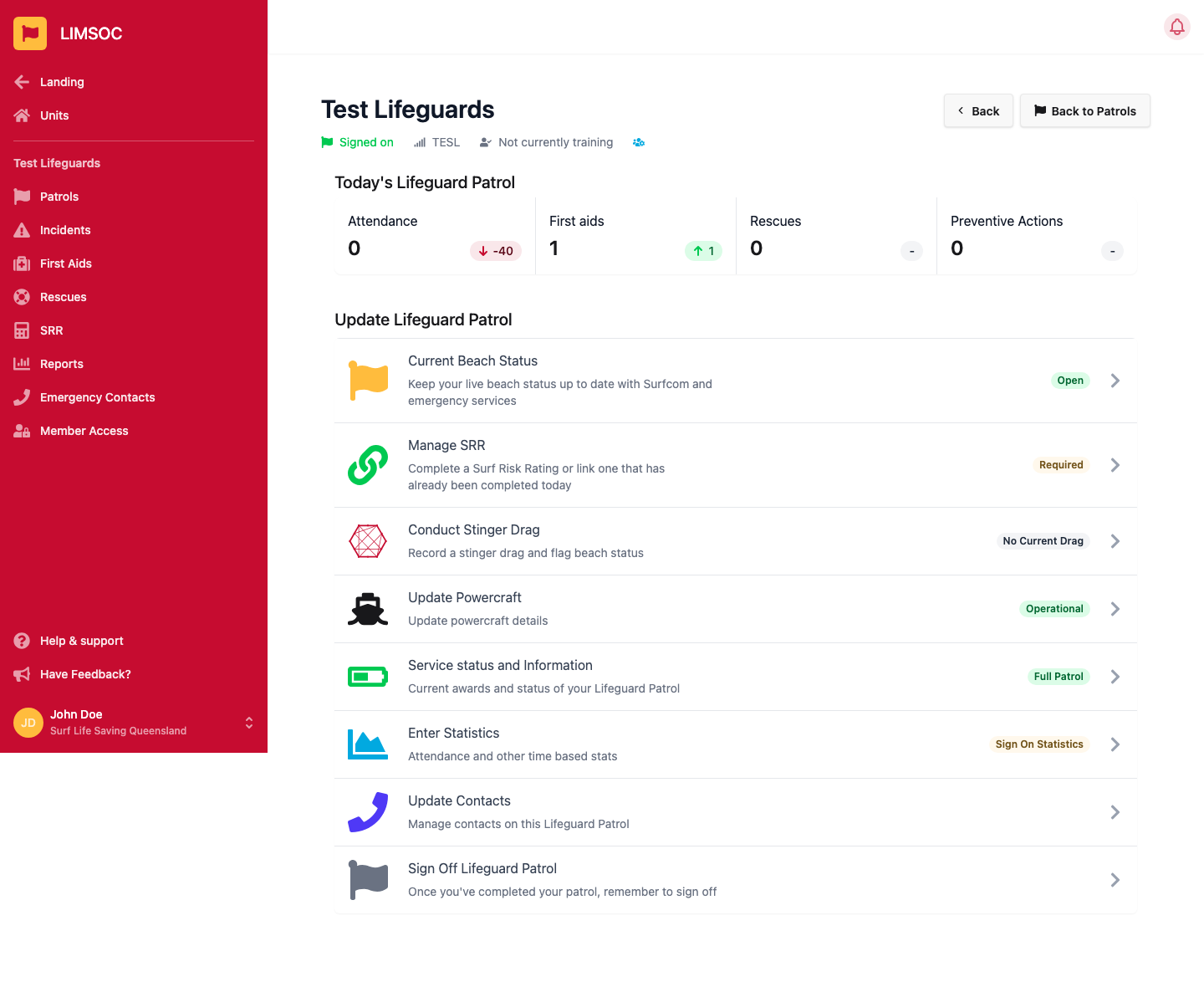
Used by surf clubs, lifeguard services and other operational units to sign patrols on and off, manage beach status and patrol teams, record daily activity (first aids, rescues, incidents, stinger drags, risk assessments) and create operational records. If you're a patrol member, patrol captain or club administrator, this is where you'll spend most of your time.
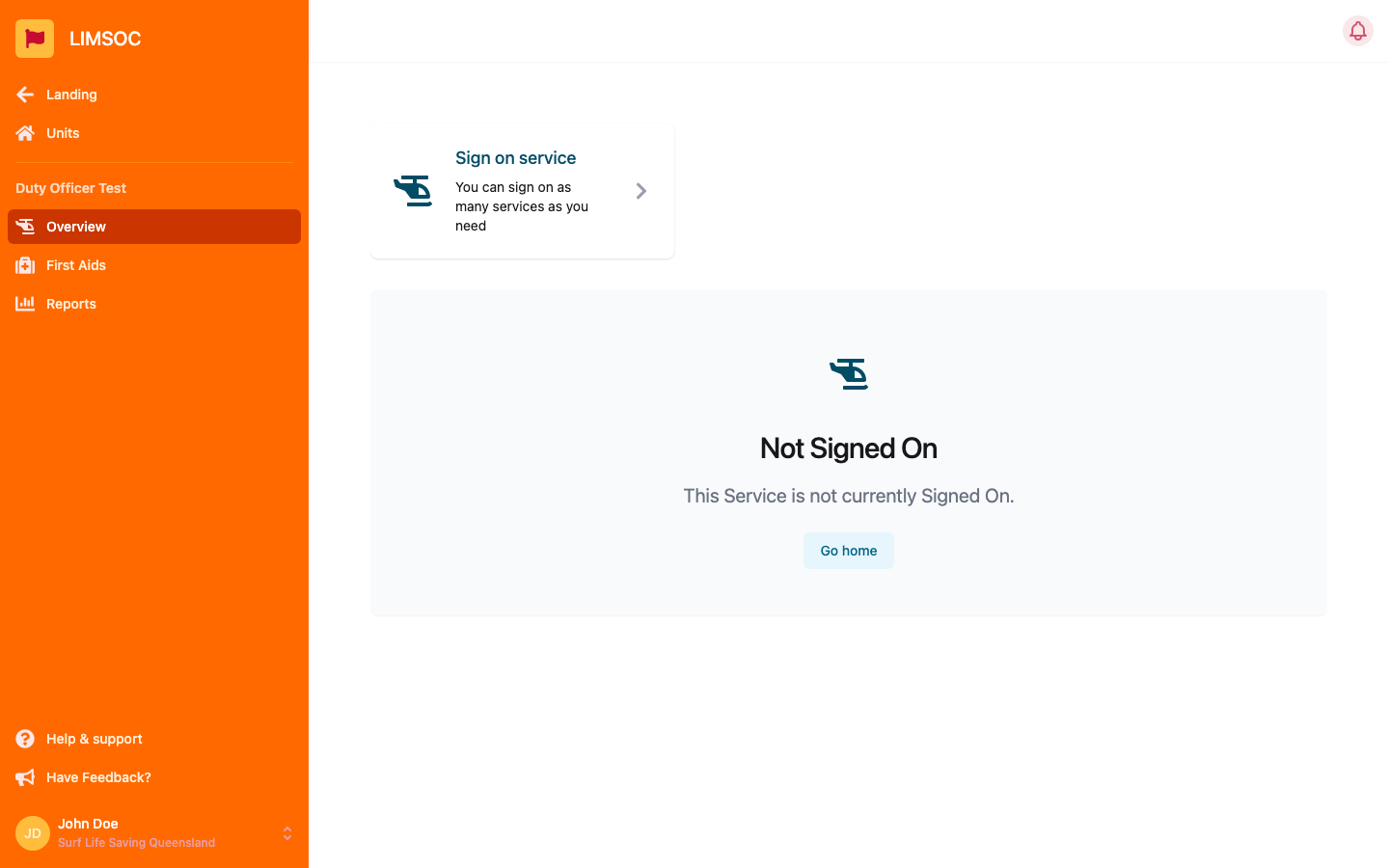
A mobile-oriented interface for officers, supervisors, specialist units and anyone operating away from a patrol base. It supports signing a unit on, updates, handover, sign-off, incidents, first aid, welfare and risk assessments.
The Queensland communications-centre interface — shown as Dispatch on the interface picker. Surfcom operators use it for statewide unit tracking, incident dispatch and operational coordination.
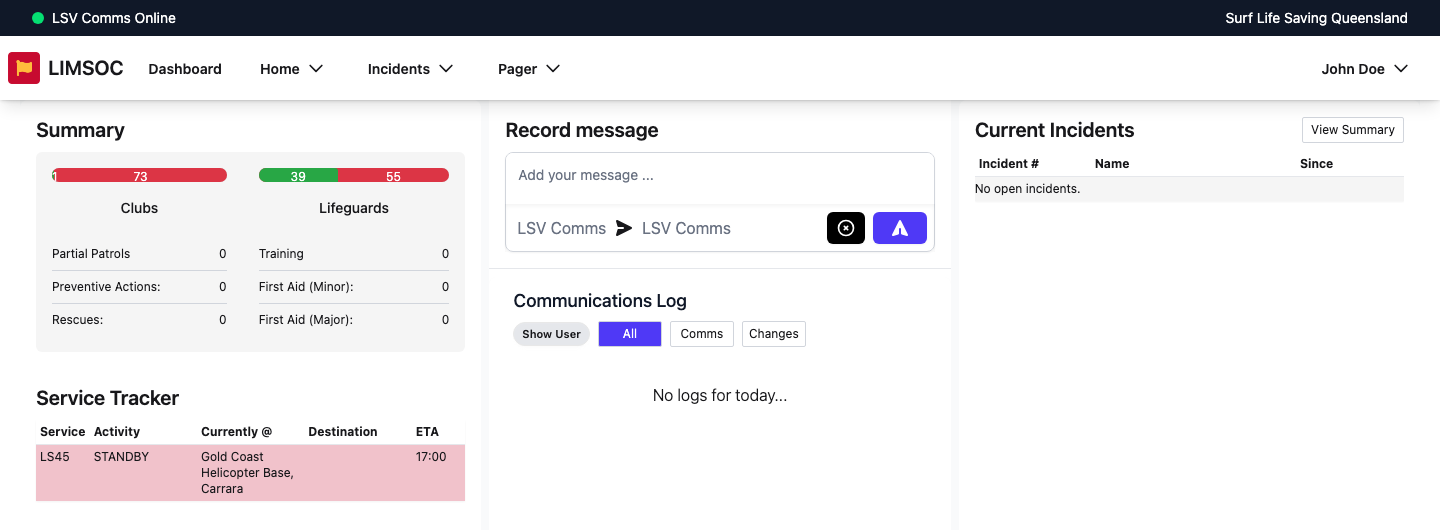
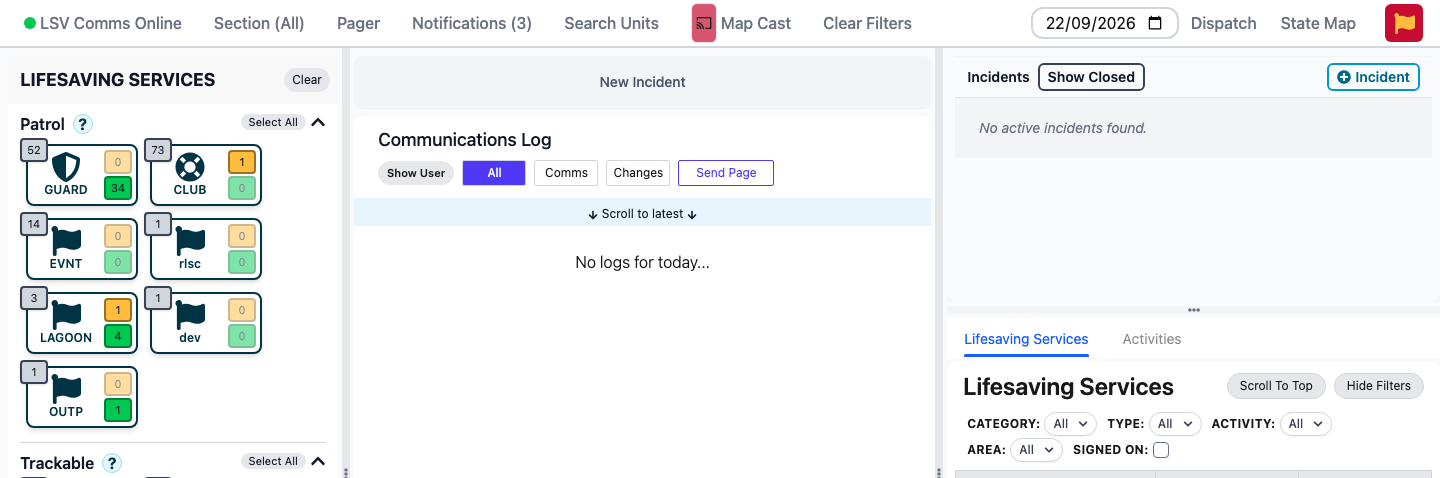
The Victorian communications-centre interface. It performs broadly the same operational function as Surfcom — statewide unit tracking, incident dispatch and communications — with a different layout and Victoria-specific procedures.
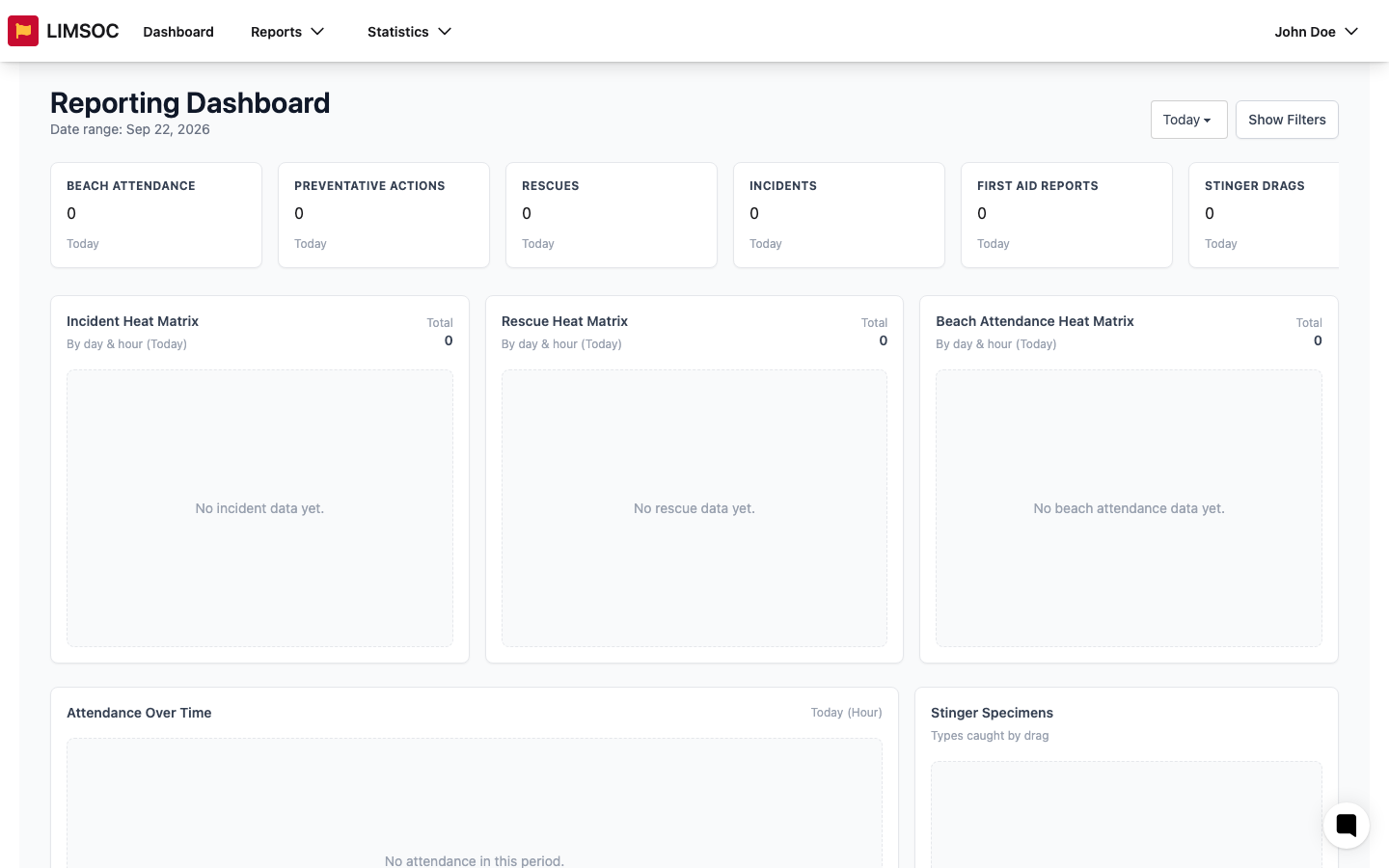
A read-only reporting and analytics interface — dashboards, operational reports, statistics, filters and exports — for operational managers, administrators and analysts.
If your account has access to more than one interface, select Landing in the side menu to return to the picker and choose a different one.
