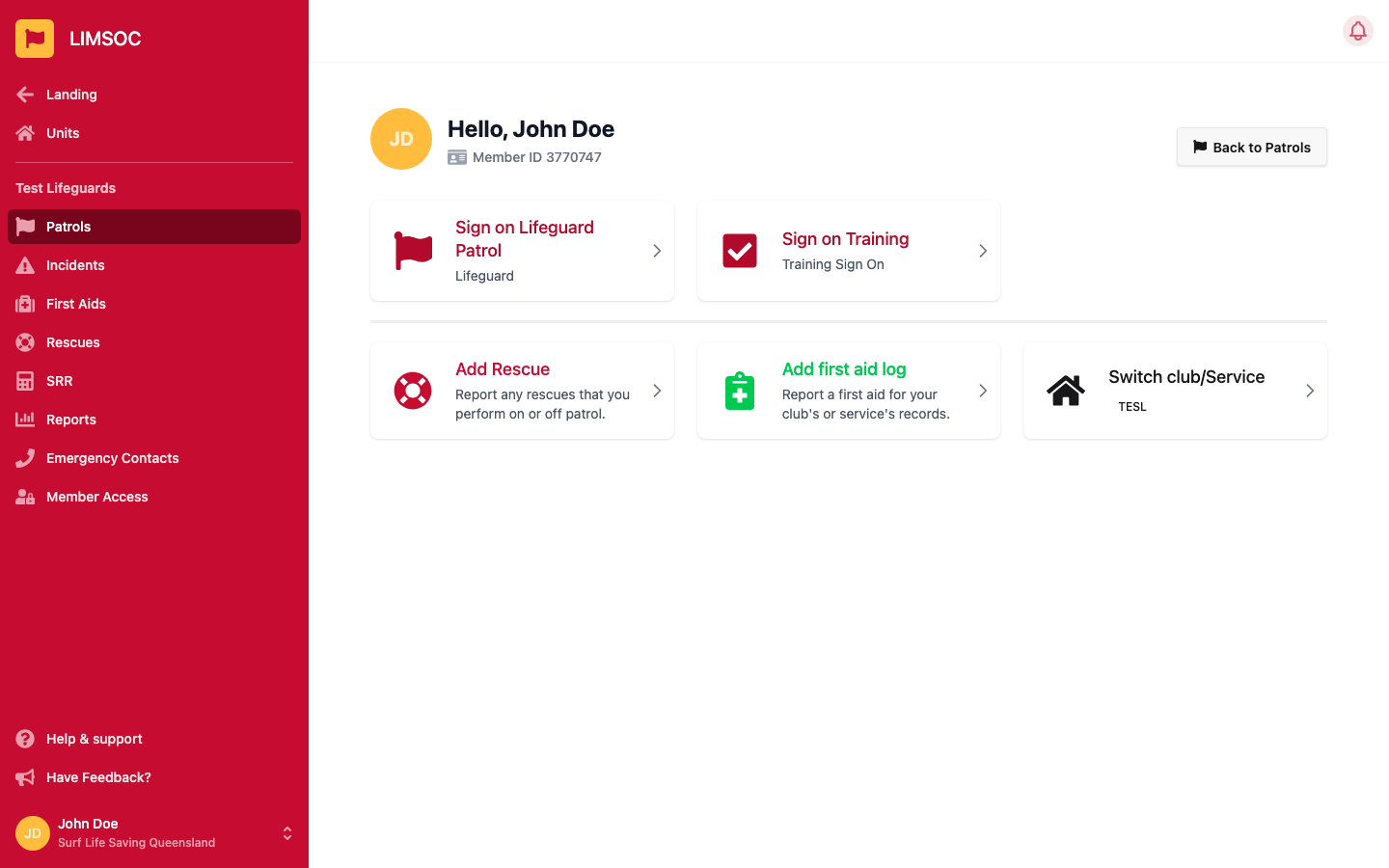
Every patrol follows the same basic lifecycle: sign on, run your patrol, then sign off. The exact steps and terminology (Lifeguard Patrol, Beach Patrol, Water Safety, Training, etc.) depend on your unit and patrol type, but the flow below is the same shape everywhere.
From your unit's Patrols screen, pick the patrol type you're signing on to (e.g. Sign on Lifeguard Patrol). If your unit runs more than one type, each has its own tile.
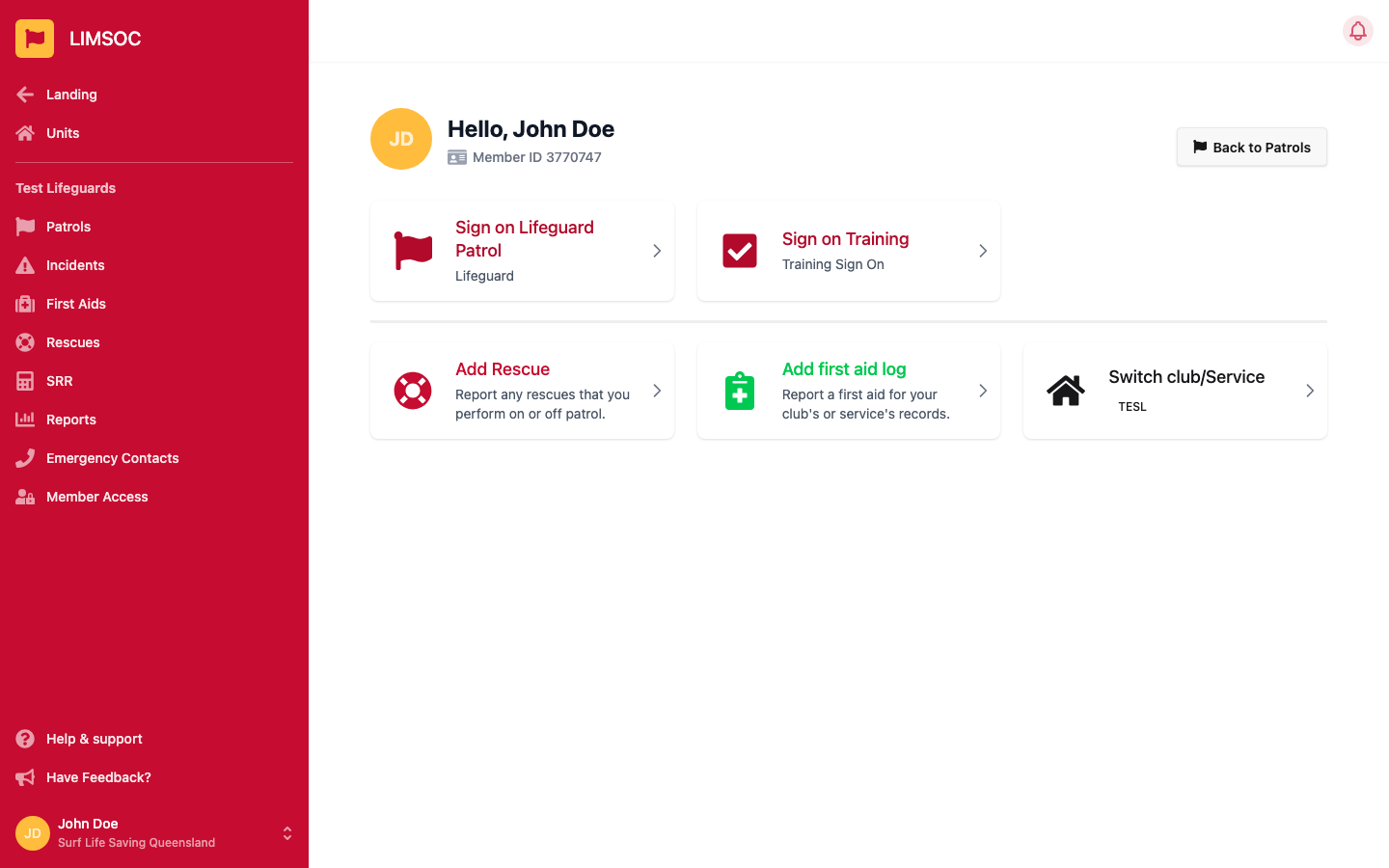
Fill in your patrol's activity details:
Choose service — confirms which unit/service you're updating
Last Patrol Notes — carried over from the previous sign-off, for reference
Activity — the main activity performed (e.g. Full Patrol, Partial, Surveillance)
Beach Status — shared in real time with Emergency Services and Beachsafe
Powercraft Status — if your unit has powercraft available
Radio Channel / Mobile Number — contact details for this unit
Notes — for your Comms centre
Click Sign on and continue.
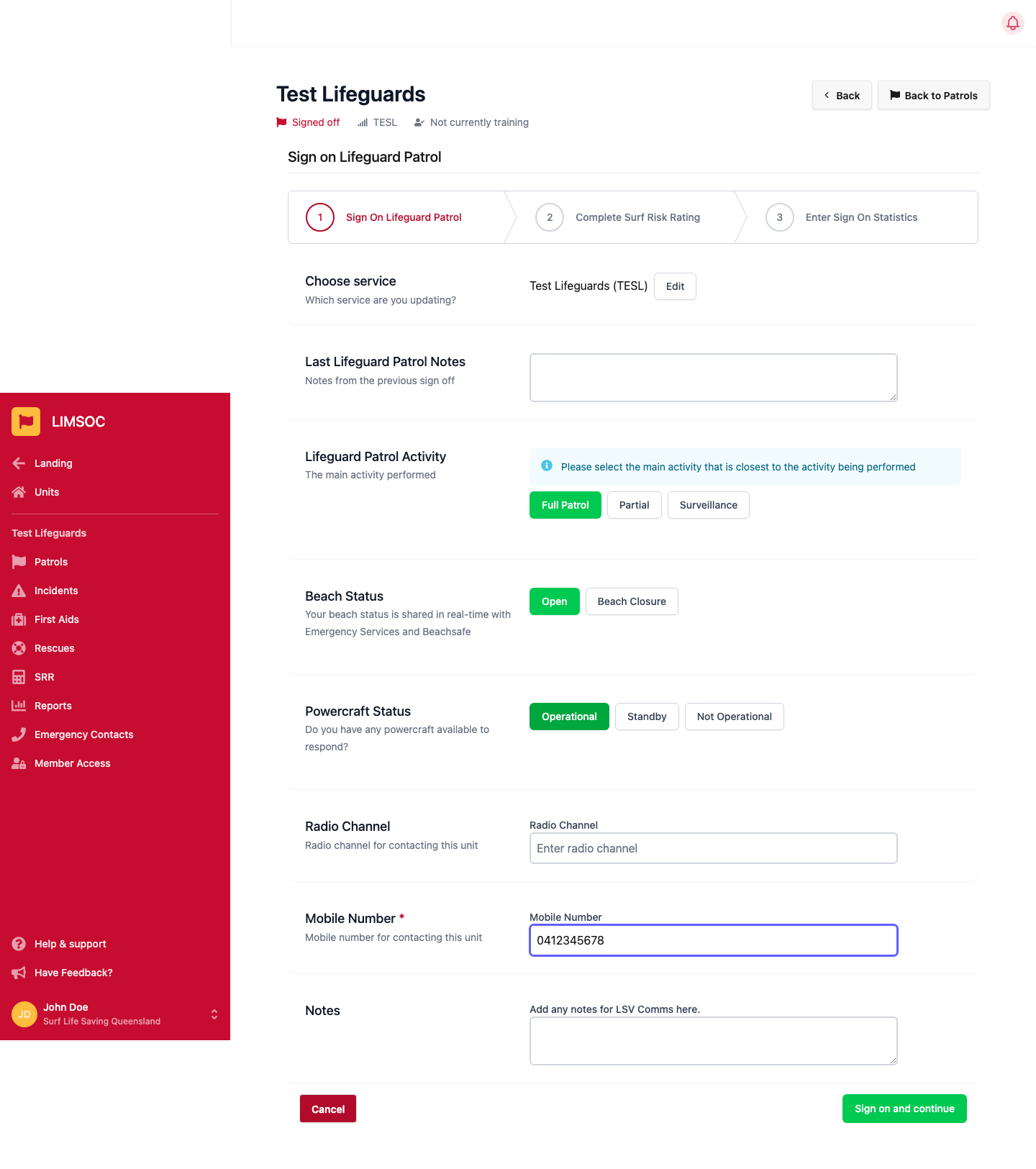
You'll be asked to conduct a new SRR or link one already completed today before continuing — see Completing a Surf Risk Rating (SRR) for the full walkthrough. You can Skip this step and complete it later from Manage SRR on your patrol's activity screen — but you won't be able to sign off until an SRR is linked to the patrol.
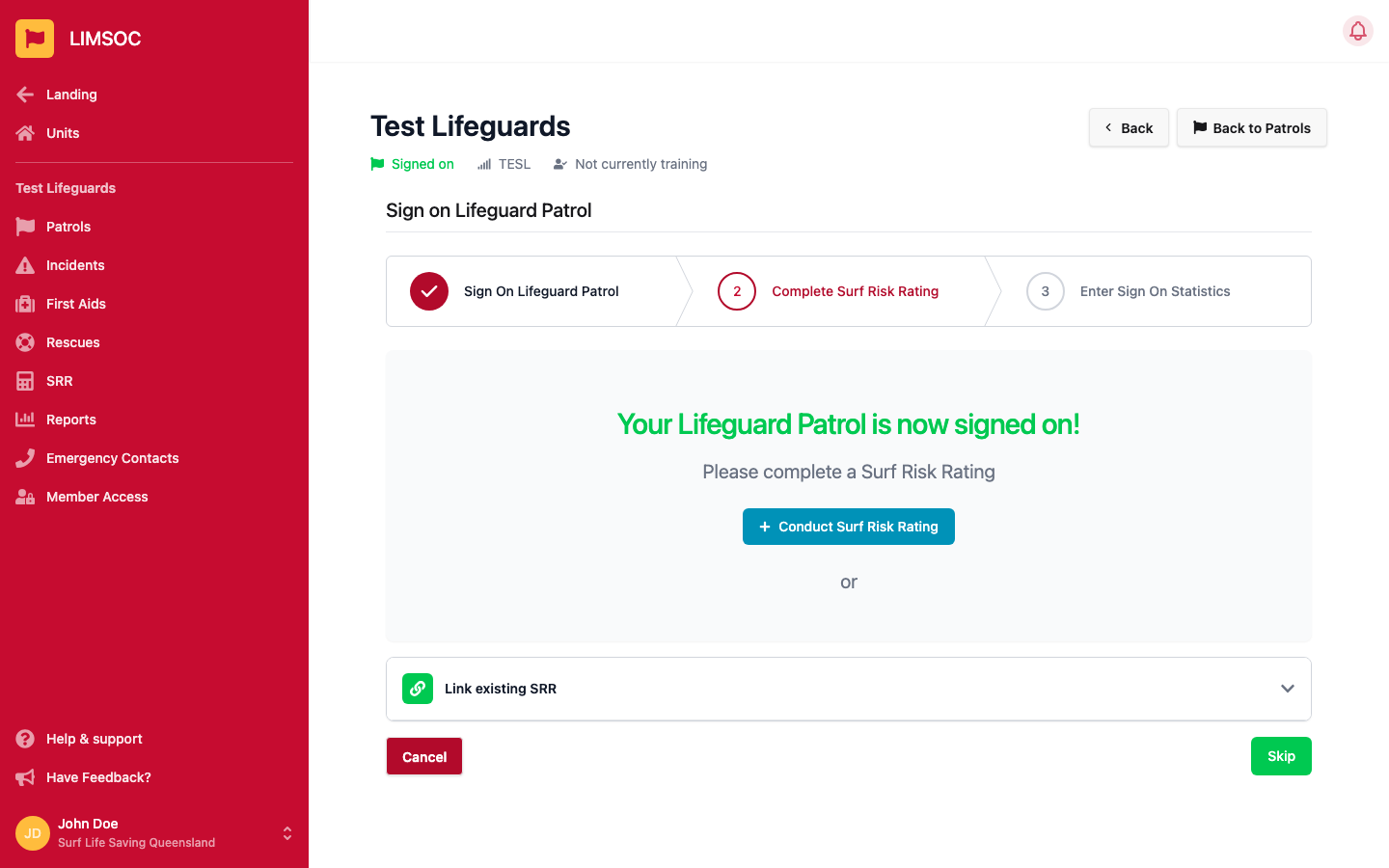
The final sign-on step asks for your starting attendance and other sign-on statistics. Like the SRR, this can be skipped and completed later — but it must be done before you sign off.
Once signed on, your patrol's activity screen is where you do everything else: update your beach status, manage your SRR, conduct a stinger drag if your unit does them, update powercraft, and log first aids, rescues and incidents as they happen.
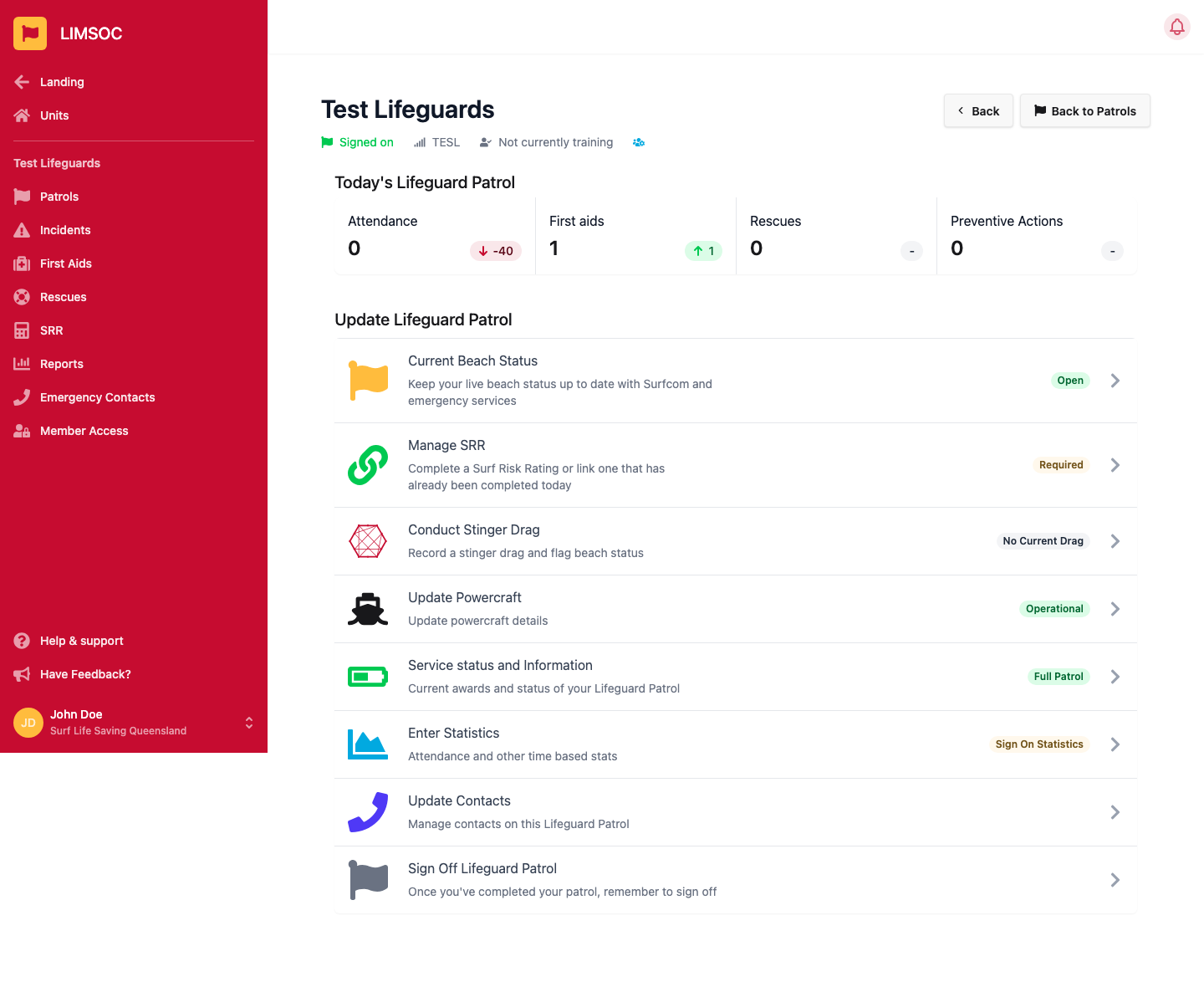
When your patrol is finished, open Sign Off [Patrol Type] Patrol from the activity screen.
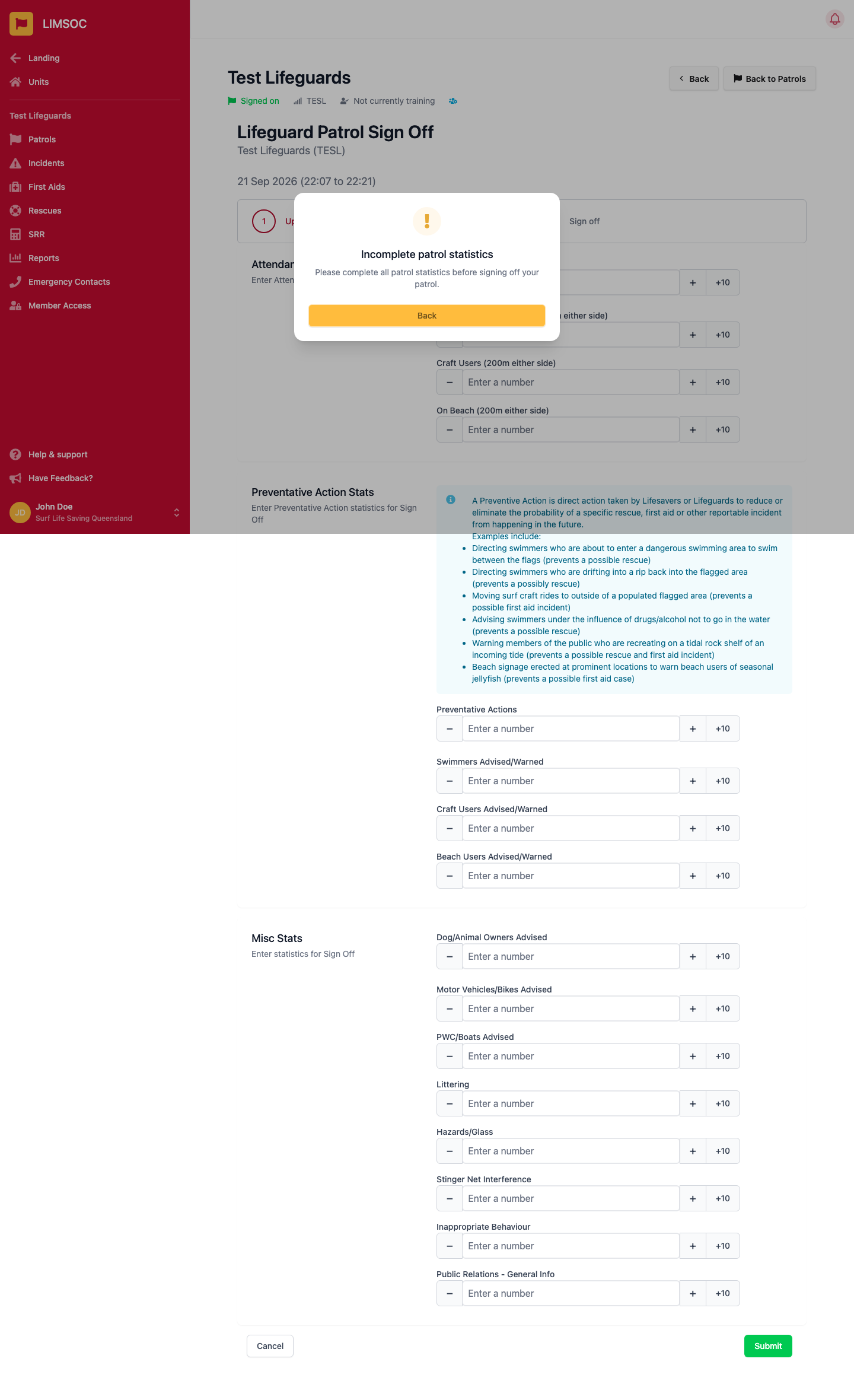
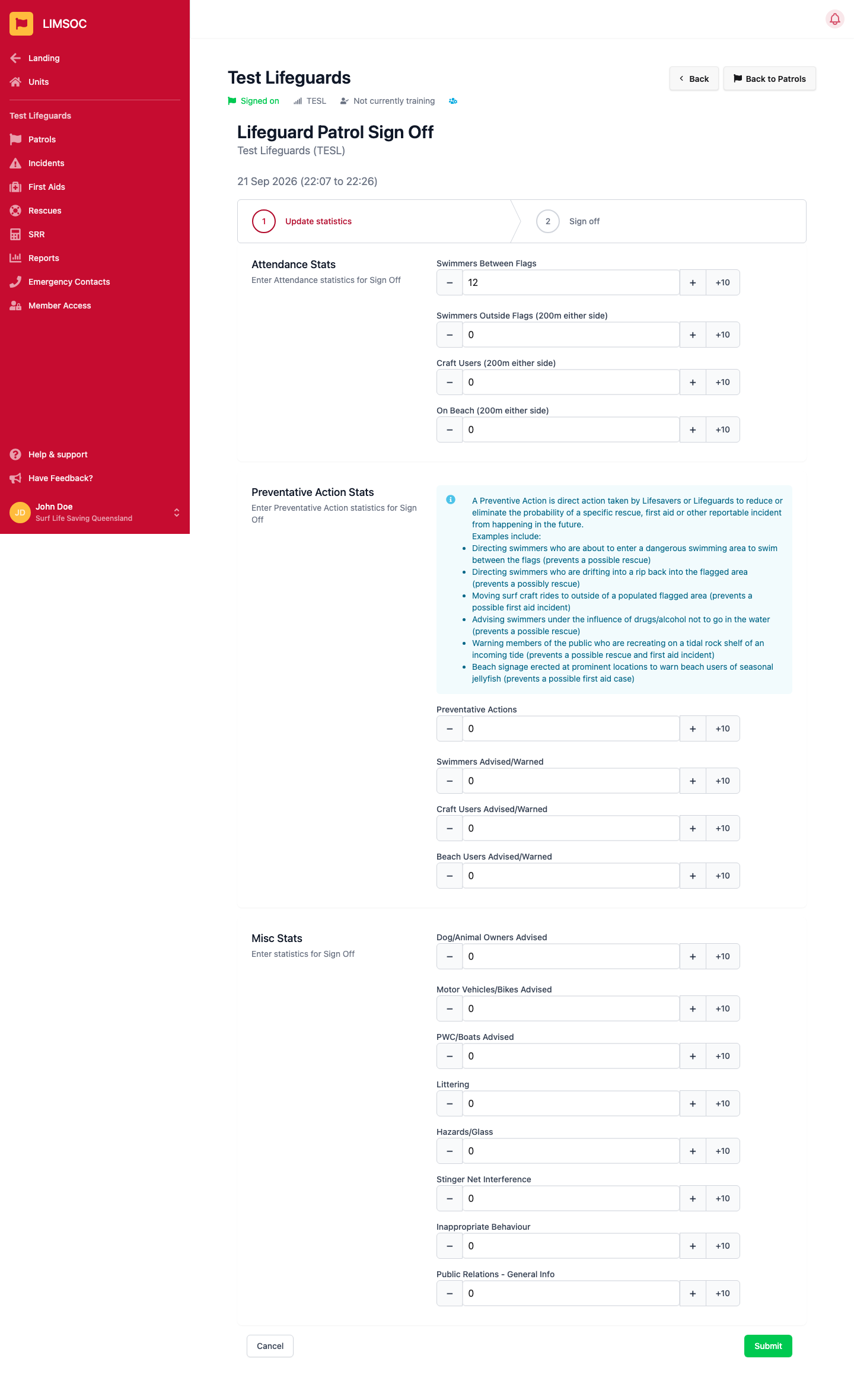
Enter your closing attendance, preventative action and other statistics. If you haven't completed your Sign On statistics or linked an SRR earlier, LIMSOC stops you here with a reminder until both are done.
Add any Sign Off Notes for your Comms centre and Notes for next patrol (these show up automatically at the next sign-on), then click Complete Sign Off.
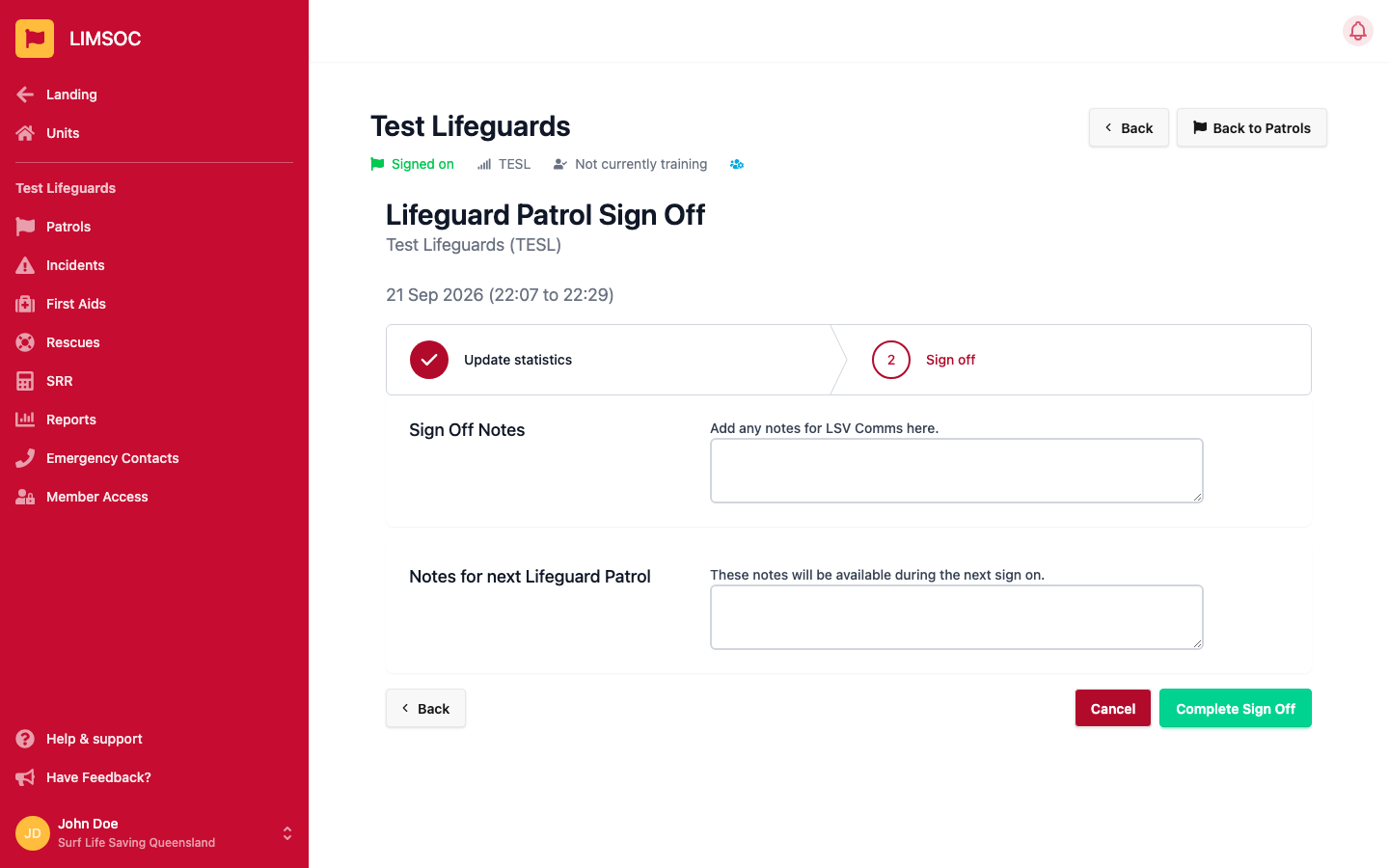
Your patrol is now closed, and you're back at the sign-on screen ready for the next one.