
Peer support records are sensitive, so LIMSOC separates knowing a form exists from being able to read it.
In the Field view
Everyone looking at an incident's Logs tab can see the Welfare Forms list: each form's status, who completed it, when, and how many answers it has. This lets officers know peer support has been done.
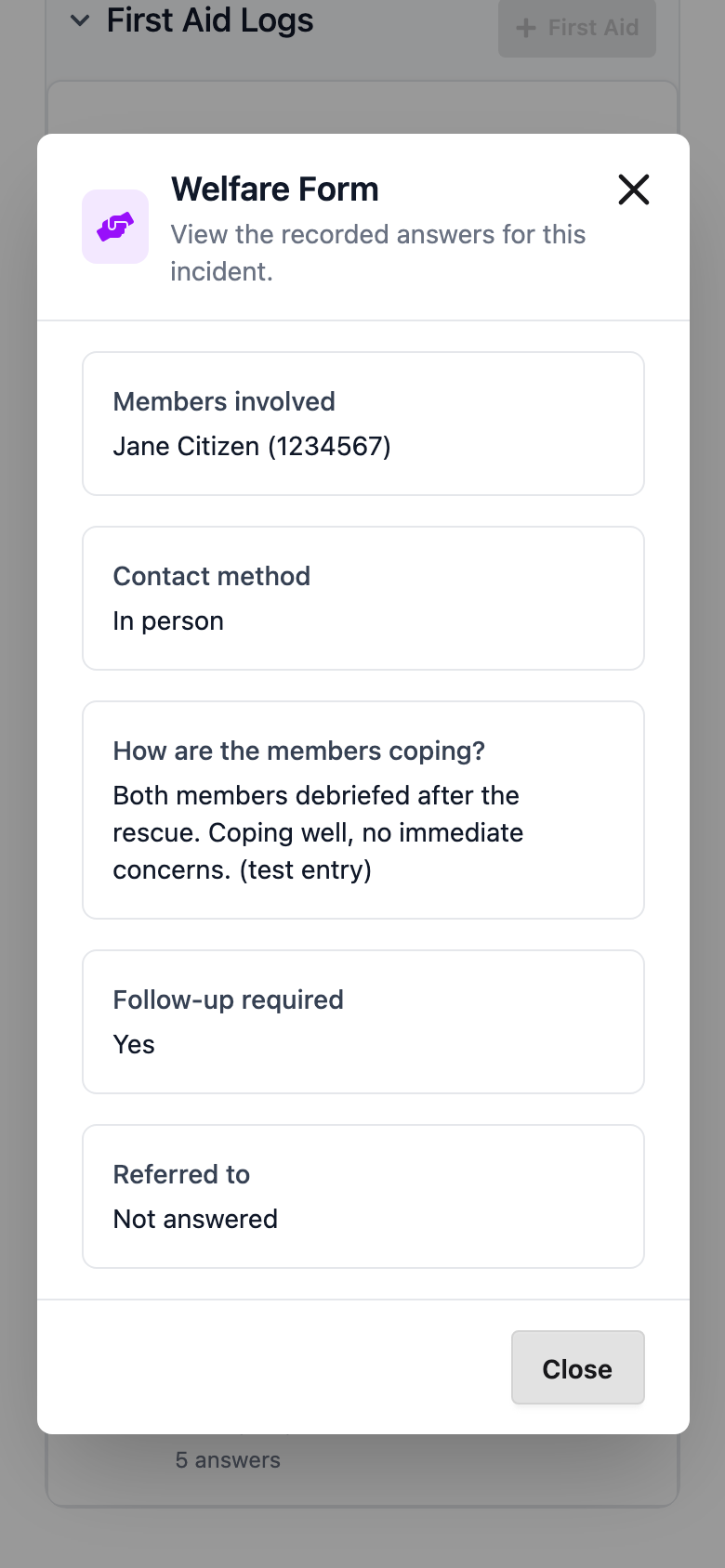
Peer Support units, and users specifically given permission to view peer support forms (such as senior duty officers), also get a View button to read the answers.
Only Peer Support units can add a form.
Elsewhere in LIMSOC
Patrols: clubs can flag that an incident needs peer support, but they can't see forms or answers. See Flagging an Incident for Peer Support.
Reporting: the Peer Support Report shows full answers to users with peer support reporting rights, for the organisations they're allowed to report on. See Peer Support Report.
Need access?
Peer support viewing and reporting rights are granted separately from normal LIMSOC access. Ask your state LIMSOC administrator, and only request what your role needs.