
If your unit is set up for Surf Risk Ratings, you'll see an SRR tab on your unit screen. It works like the patrol SRR, but your location is filled in for you from your tracking radio.
1. Open the SRR tab
The SRR Completion panel shows whether an SRR has been done today. No SRR completed today means you should conduct one before continuing operations.
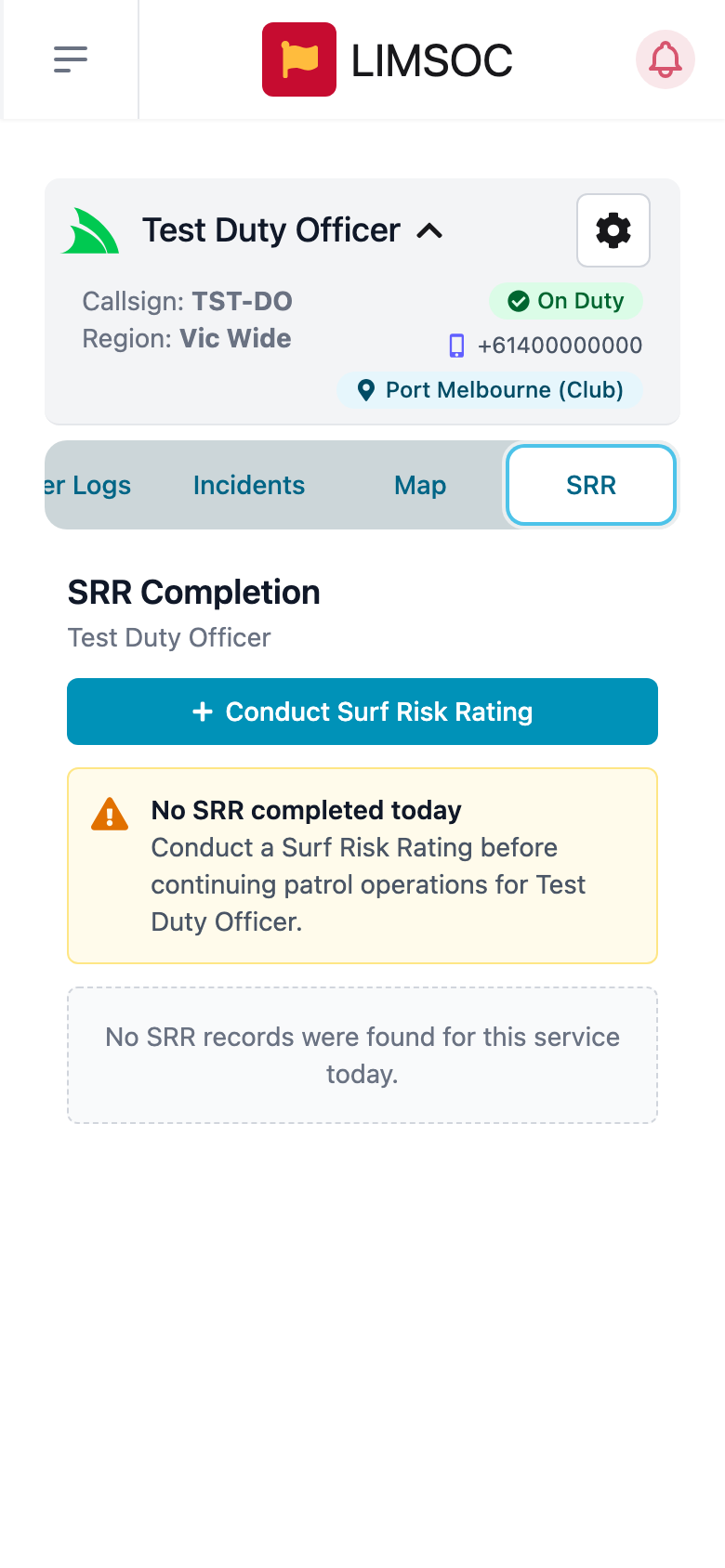
2. Conduct the SRR
Tap Conduct Surf Risk Rating (or Conduct New Surf Risk Rating if you've already done one today). Work through the assessment details, weather, the hazard questions and any notes, then review and submit. The steps are the same as Completing a Surf Risk Rating (SRR) for patrols.
3. Acknowledge and review
Back on the SRR tab, today's assessments are listed with their type, time, location, risk level and status: Pending acknowledgement, Acknowledged or Discarded. Tap Review to read the control measures and acknowledge them, or download the PDF.