
In the field you can quickly register a first aid with a few basic details, then complete the full log when you have time.
1. Start a first aid
Either:
open the incident, go to its Logs tab and tap + First Aid. This links the first aid to the incident automatically and records it as a major first aid. Or:
open the menu (☰), choose First Aids and tap + First Aid.
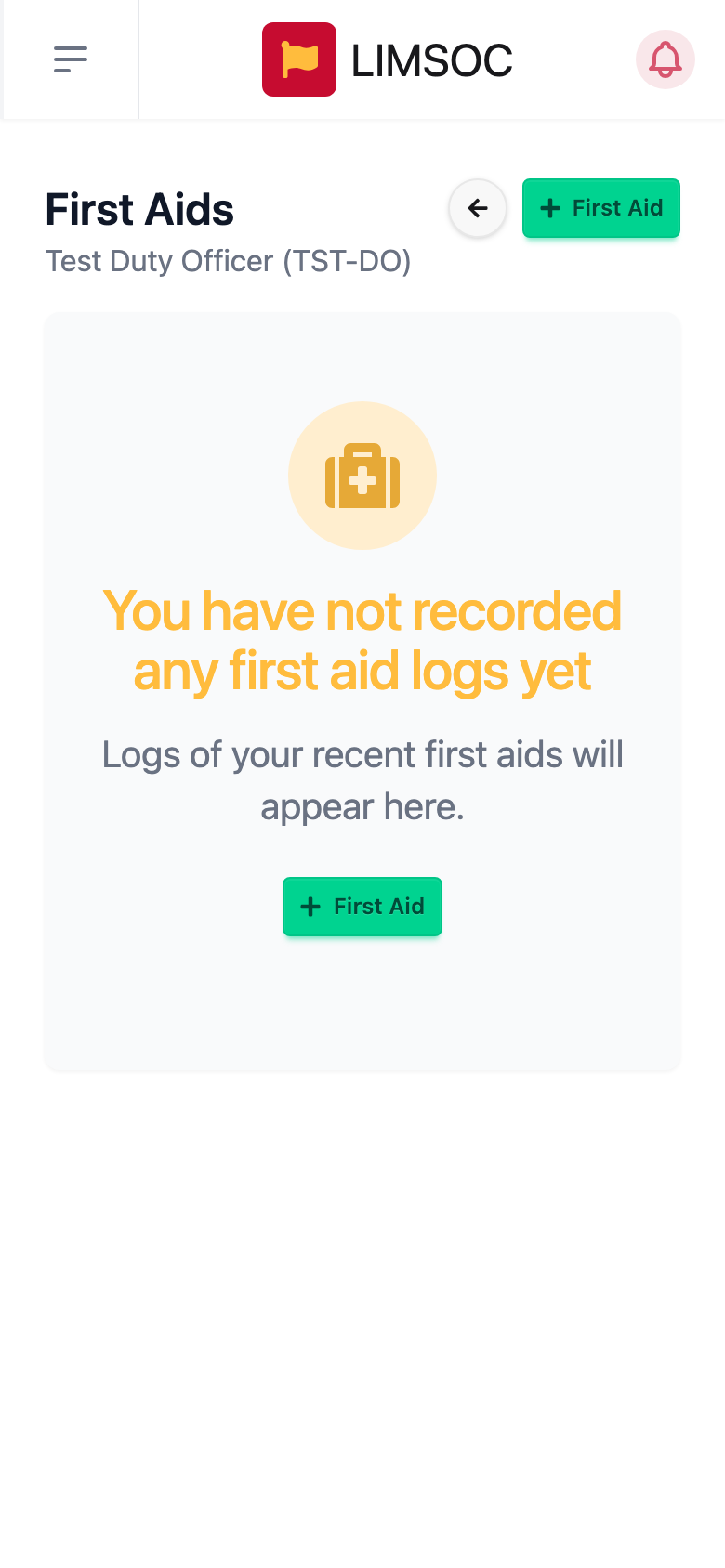
2. Pre-fill the basics
In Add First Aid, enter a short Description or Reference, the patient's Gender and Age, and where they were, either as a description or by picking the spot on the Map tab. Tap Save.
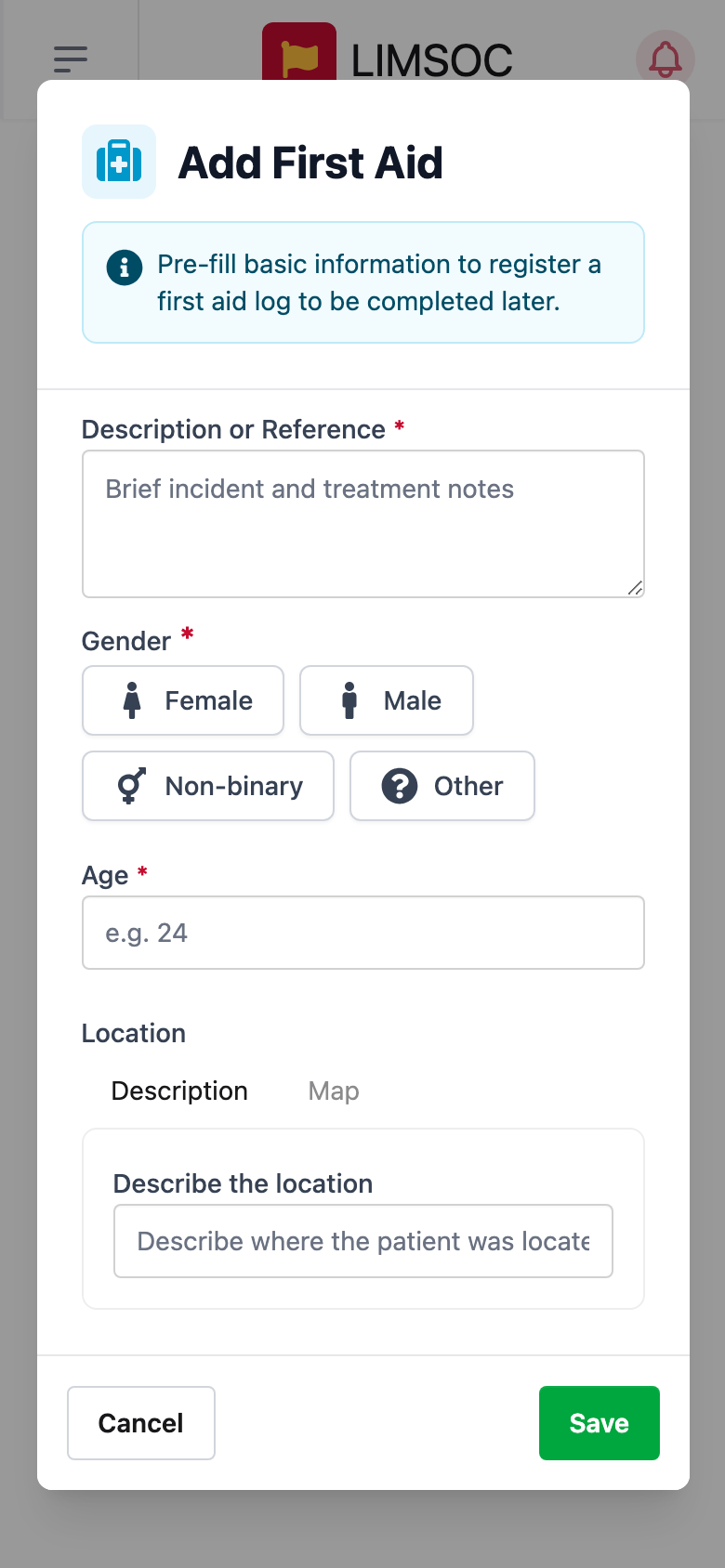
3. Complete the full log
Find the first aid in First Aids or on the incident's Logs tab and tap Continue. Work through the steps: Patient Details, Assessment & Management, Referral & Handover and Personnel. Extra steps appear for resuscitation, oxygen or methoxyflurane if you record those treatments. The progress ring on the card shows how much is left.
Good to know
Major first aids must be linked to an incident. If there isn't one yet, contact Surfcom or 13 SURF (13 78 73).
To change a completed first aid log, reopen it first. You'll be prompted with "Reopen this completed first aid log to edit".
If you gave methoxyflurane, select the vial on the form. See Using the Medication Register.