
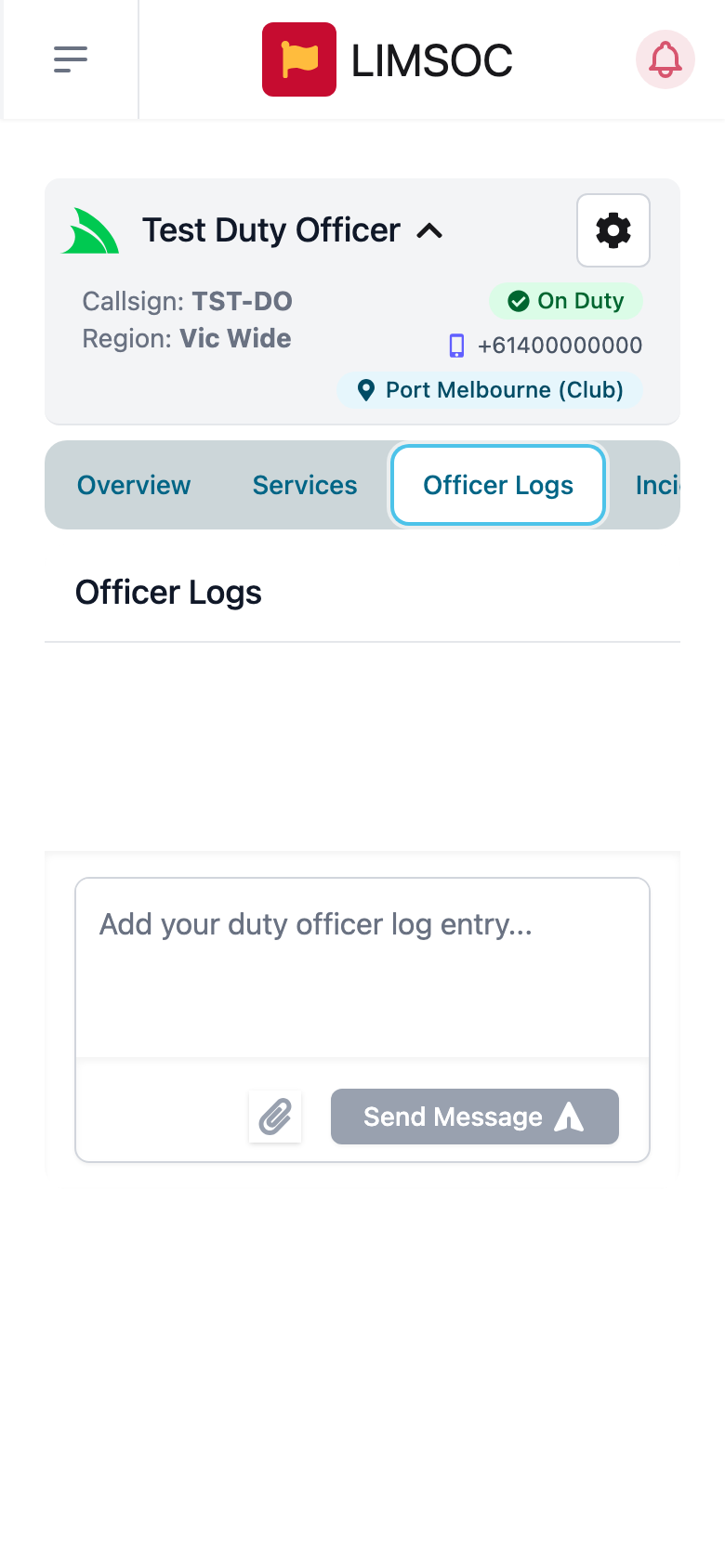
Officer Logs are your unit's running duty diary: decisions, briefings, calls made, anything you'd normally note down during a shift that isn't tied to a single incident. If your unit type uses them, you'll see an Officer Logs tab on your unit screen.
Add an entry
Open the Officer Logs tab.
Type your entry in "Add your duty officer log entry…".
To attach a photo or file, tap the paperclip.
Tap Send Message.
Entries are listed with the date, time and author. Your sign-on and sign-off are recorded here automatically too.
For anything about a specific incident, use that incident's Incident Logs tab instead, so it stays with the incident record.