
Update your status or details
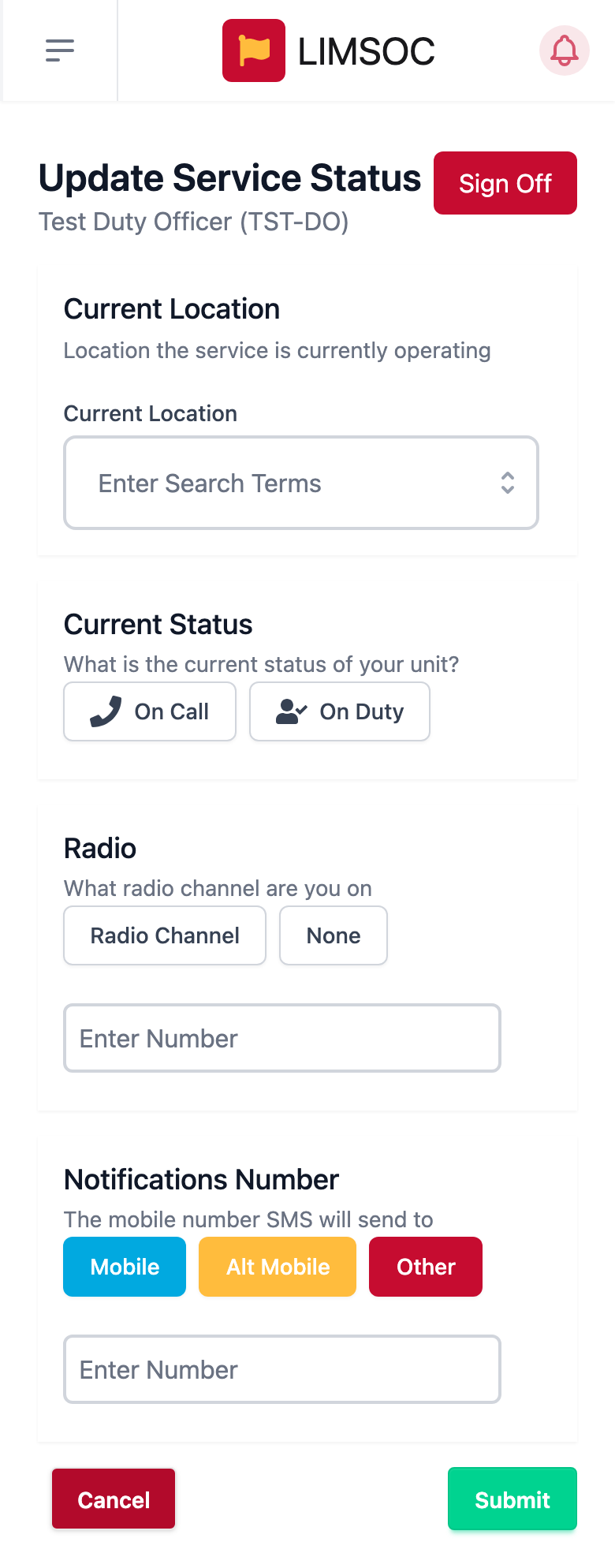
Whenever you move, switch between On Duty and On Call, or change radio channel, keep Surfcom up to date:
On your unit screen, tap the cog and choose Update.
Change the Current Location (if you were heading somewhere, tap + Use Last Destination), Current Status, Radio or Notifications Number.
Tap Submit.
You can't change the tracking radio here. If you've swapped radios, sign off and sign on again with the new one.
Take over a unit (handover)
When you're relieving someone, for example at a shift change:
Choose the unit from the unit list. It will say Service Signed on By Another User.
Tap Handover Service. A red banner confirms that this will sign the other person off and sign you on.
Fill in the same details as a normal sign on: location, your radio, status, radio channel, notifications number and notes.
Tap Sign on and continue.
Always agree the handover with them first, and brief each other on any open incidents.
Sign off
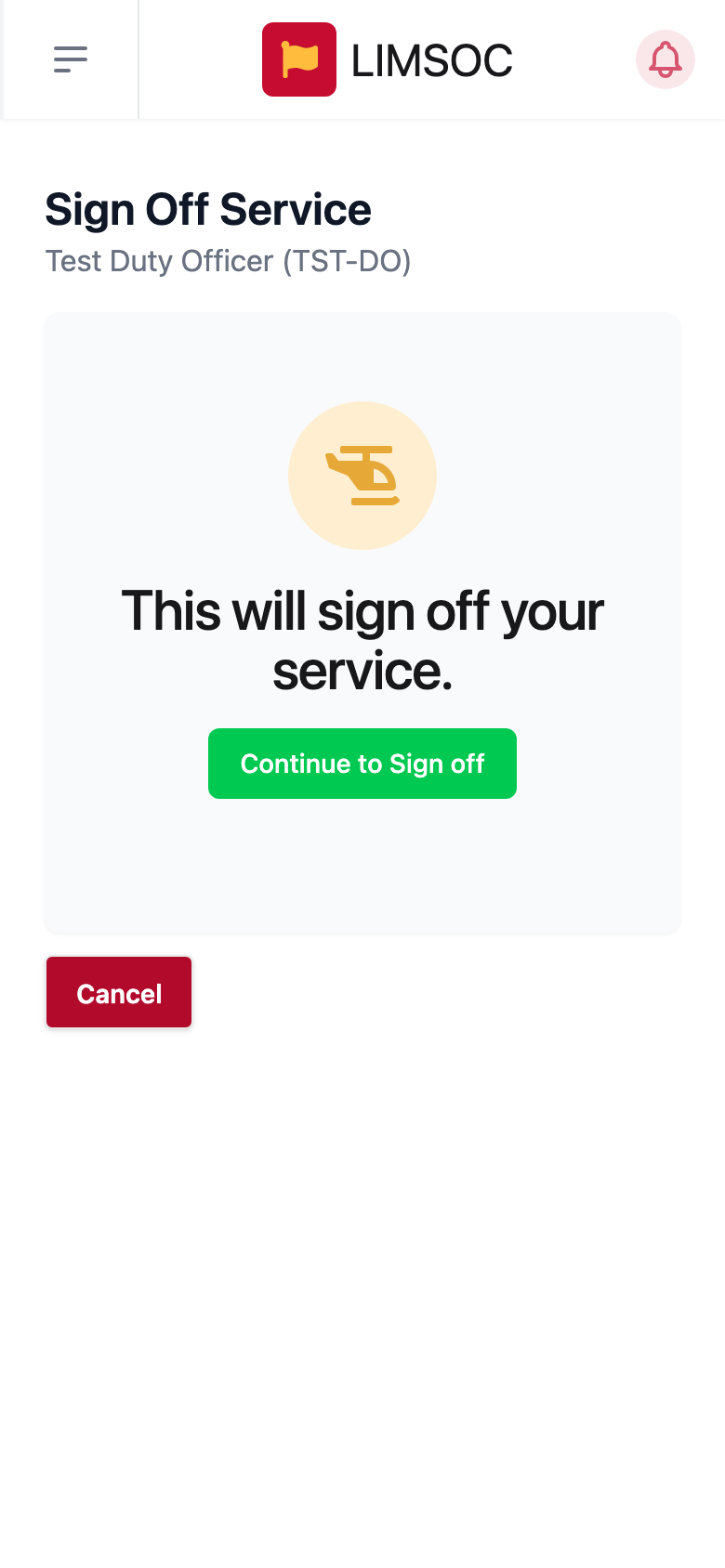
Tap the cog and choose Sign Off (or use the red Sign Off button on the Update screen).
On This will sign off your service., tap Continue to Sign off.
You're taken back to the unit list and the unit becomes free for the next person. Before signing off, make sure your status is cleared on any incidents you were attached to, or let Surfcom know you're going off.
Some unit types sign off automatically if they're left signed on for 48 hours.