
The Rescue Summary lists every rescue recorded in a period, with where it happened, who performed it and how. It's in the Statistics menu alongside the Patrol Stats Summary.
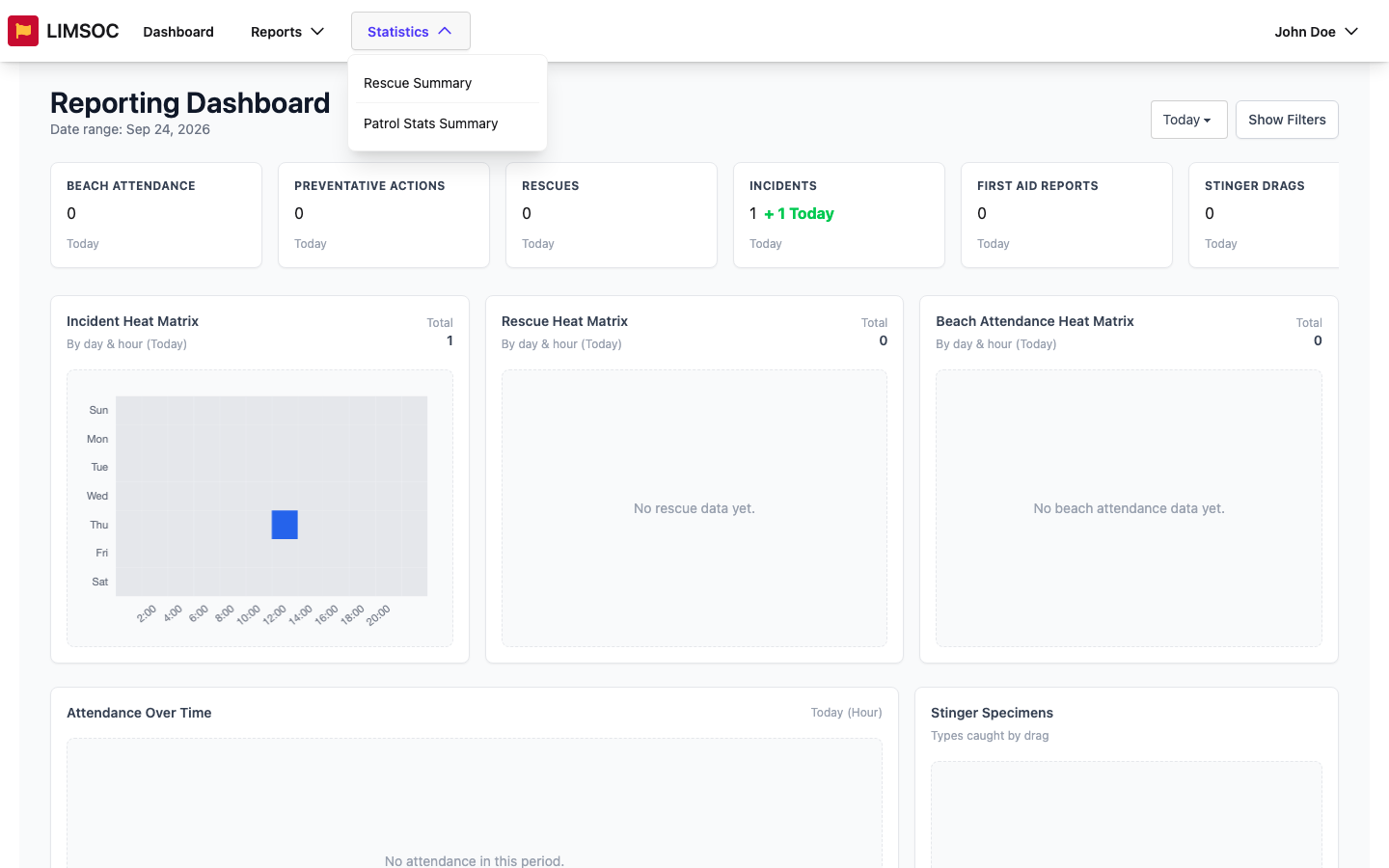
Run the report
Go to Statistics → Rescue Summary.
Choose a period and, if needed, a Service Type, Region, LGA or Unit.
Click Generate Report.
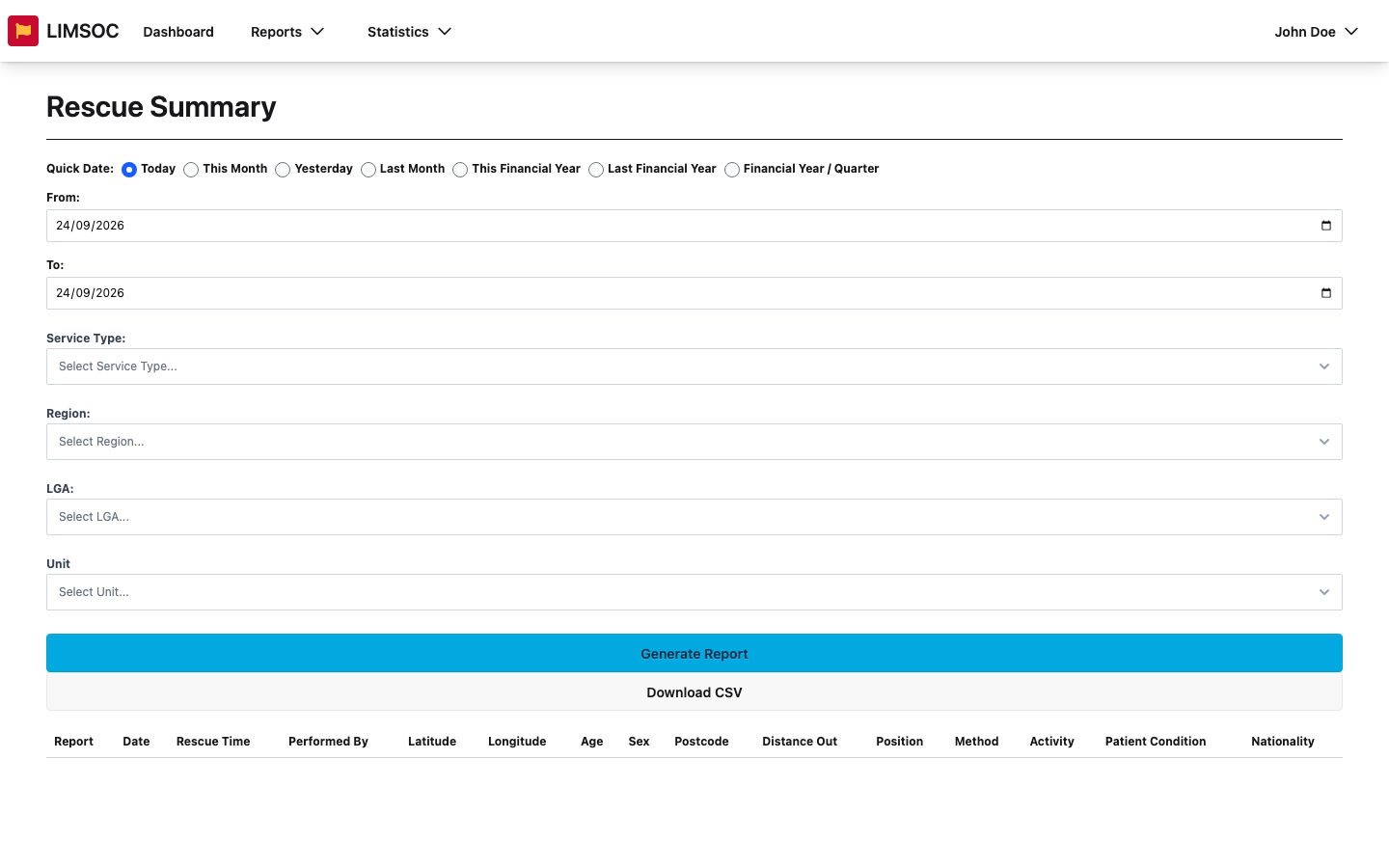
Each rescue shows the Date and Rescue Time, Performed By, coordinates, patient Age, Sex, Postcode and Nationality, and the Distance Out, Position, Method, Activity and Patient Condition.
Download
Click Download in a row's Report column for a PDF of that rescue.
Download CSV saves every row, for example to chart rescues by method or position in a spreadsheet.
Both need export rights for rescues. For a quick visual breakdown instead, see the Rescue Method chart and Rescue Heat Matrix on the Reporting Dashboard.