
The SRR Report lists the Surf Risk Rating assessments your units have submitted, so you can check each was done and its control measures were acknowledged.
Run the report
Go to Reports → SRR Report (Surf Risk Rating Report).
Choose a period, and optionally a Unit, an Assessment Type (Patrol, Water Safety, Event or Initial) and an Acknowledgement status (Acknowledged or Not acknowledged).
Click Generate Report.
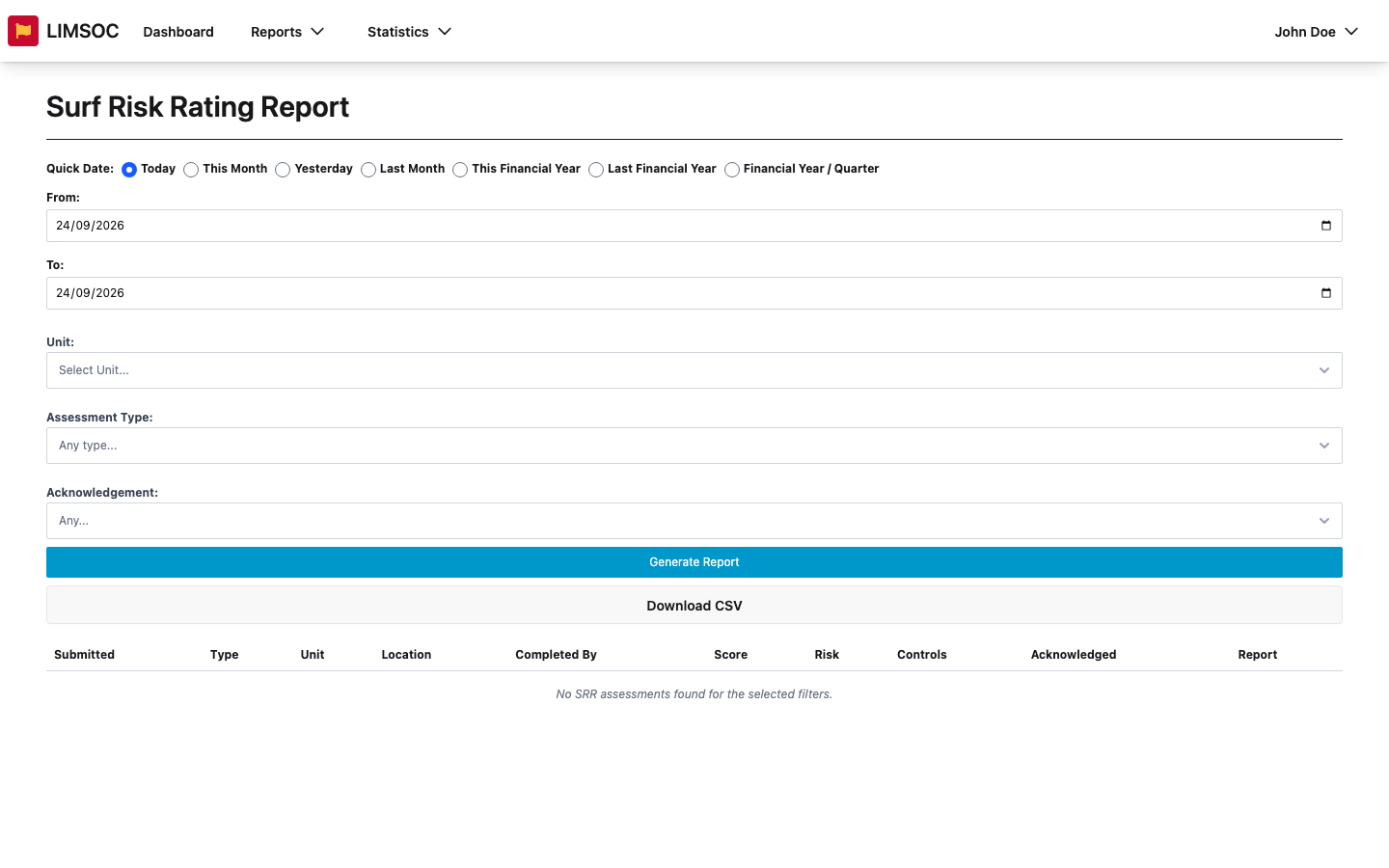
Each row shows when it was Submitted, the Type, Unit, Location, who Completed it, the Score and colour-coded Risk level (green low through to red extreme), the Controls, and whether they were Acknowledged. Event assessments show separate inbound and outbound scores. If nothing matches, you'll see No SRR assessments found for the selected filters.
Filter on Not acknowledged to find assessments where the team hasn't confirmed the control measures, and follow up with those units. Use Download CSV to export the list.