Before every patrol, or whenever conditions change, complete a Surf Risk Rating (SRR) to get a calculated risk score and the control measures your patrol needs to have in place.
Select SRR in your unit's menu. You'll see current weather conditions (air temp, wind, water temp, swell, tide, UV) and whether an SRR has already been completed today.
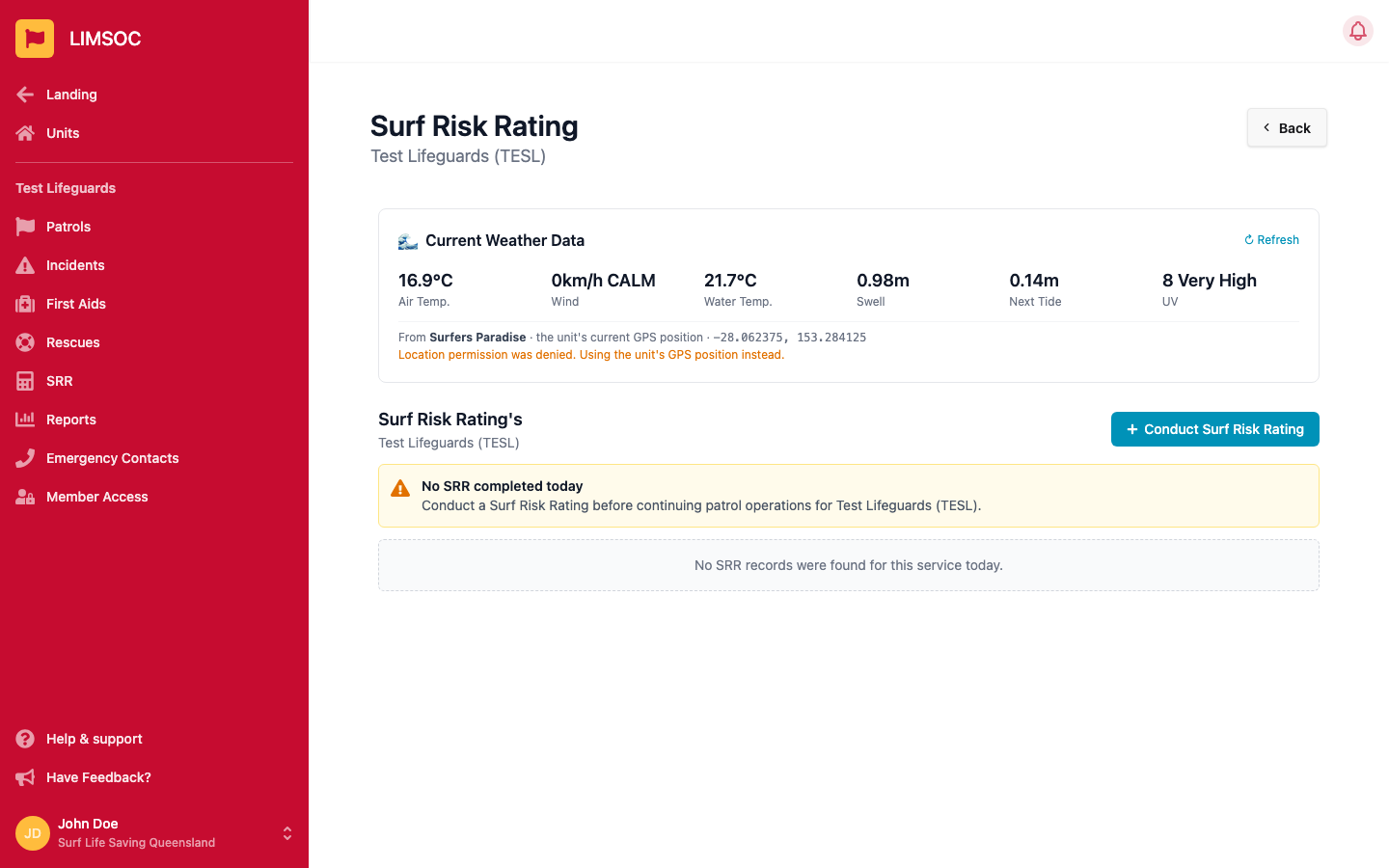
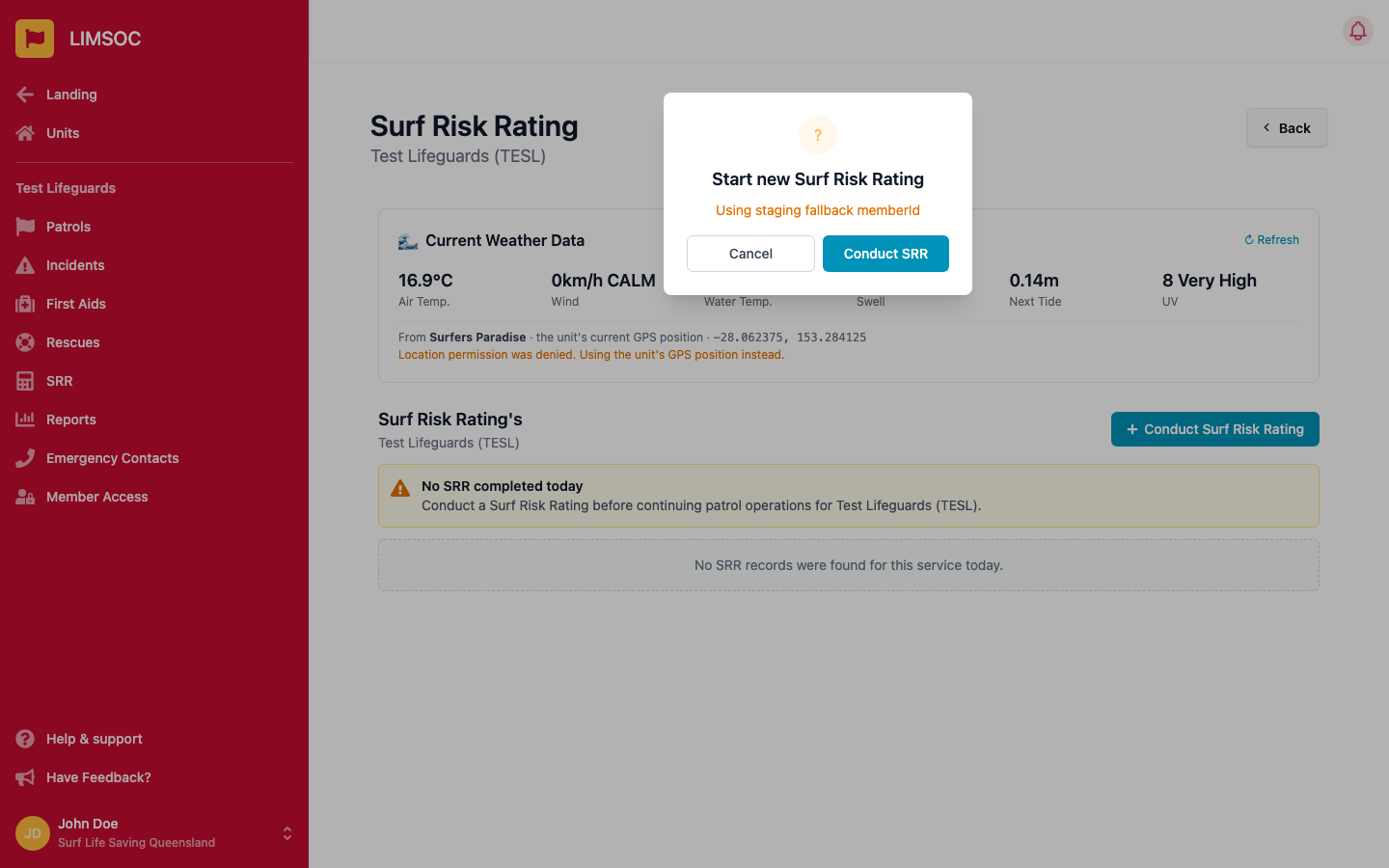
Click + Conduct Surf Risk Rating, then Conduct SRR to begin. LIMSOC verifies your SRR access before continuing.
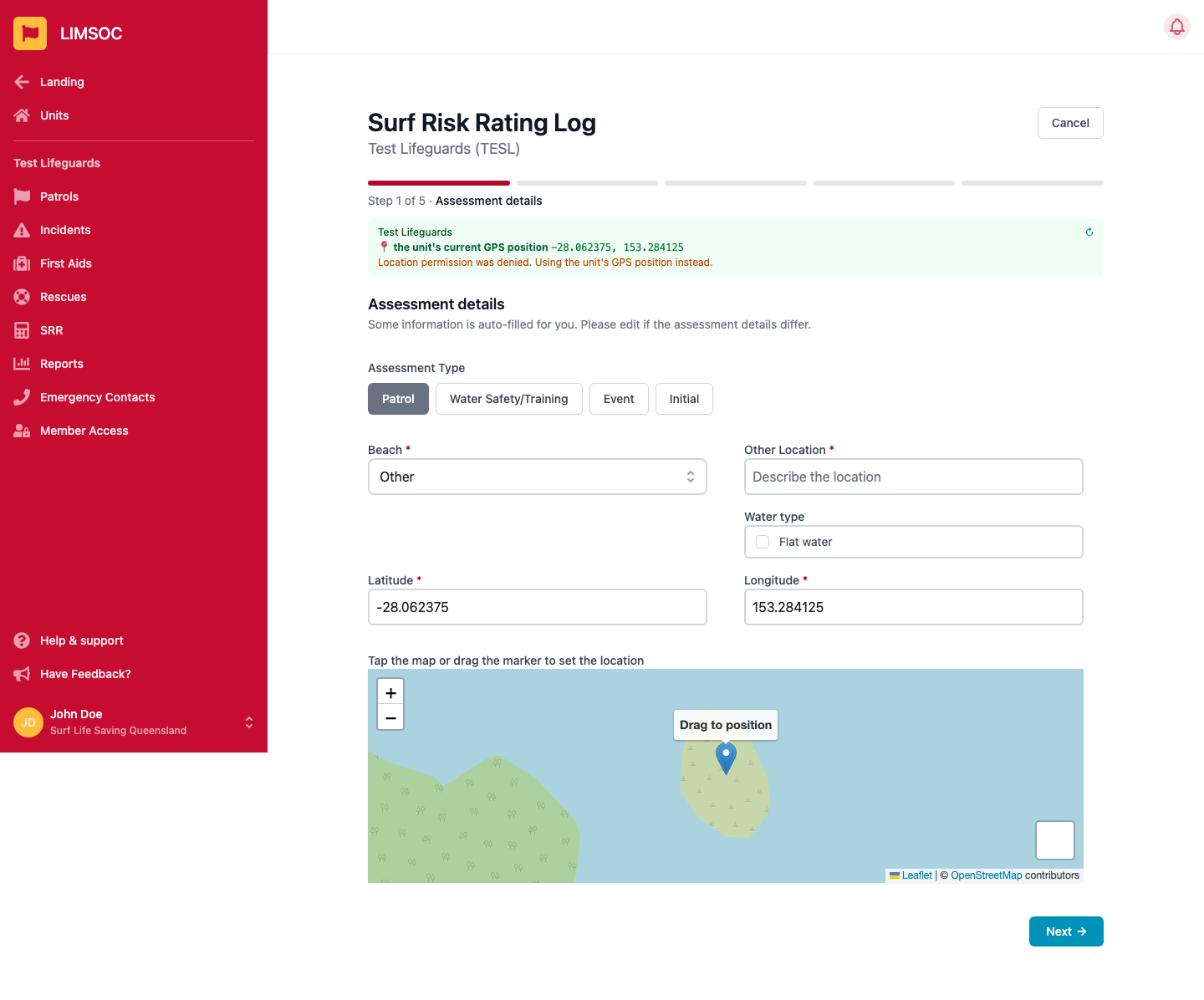
Choose the assessment type — Patrol, Water Safety/Training, Event or Initial — then confirm the beach, location and whether it's flat water. Drag the map pin if the assessment location differs from your unit's position.
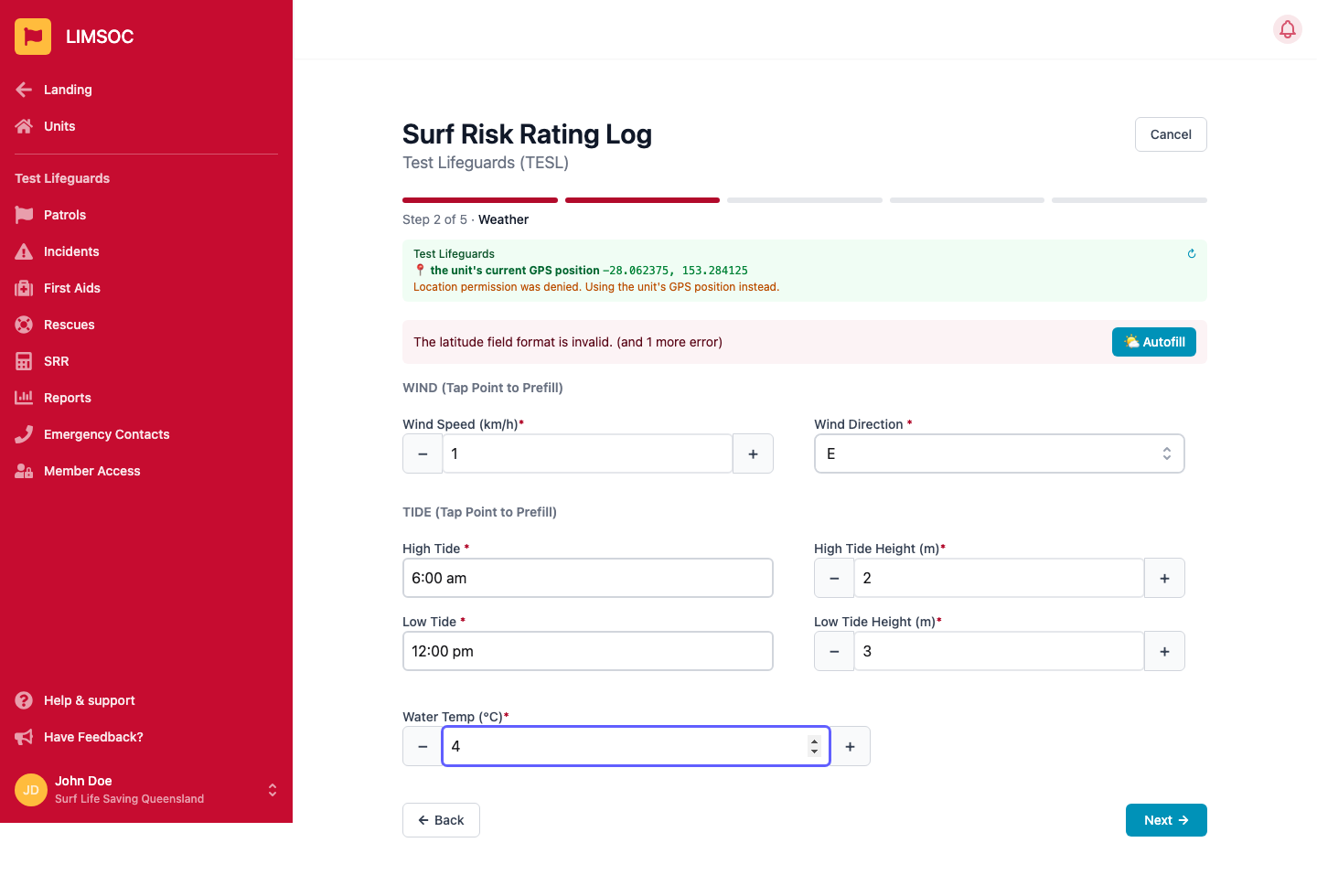
Record wind speed and direction, high/low tide times and heights, and water temperature. Wind and tide charts for the day are shown to help — tap a point on either chart to prefill that field, or click Autofill from Beachsafe to pull current readings automatically.
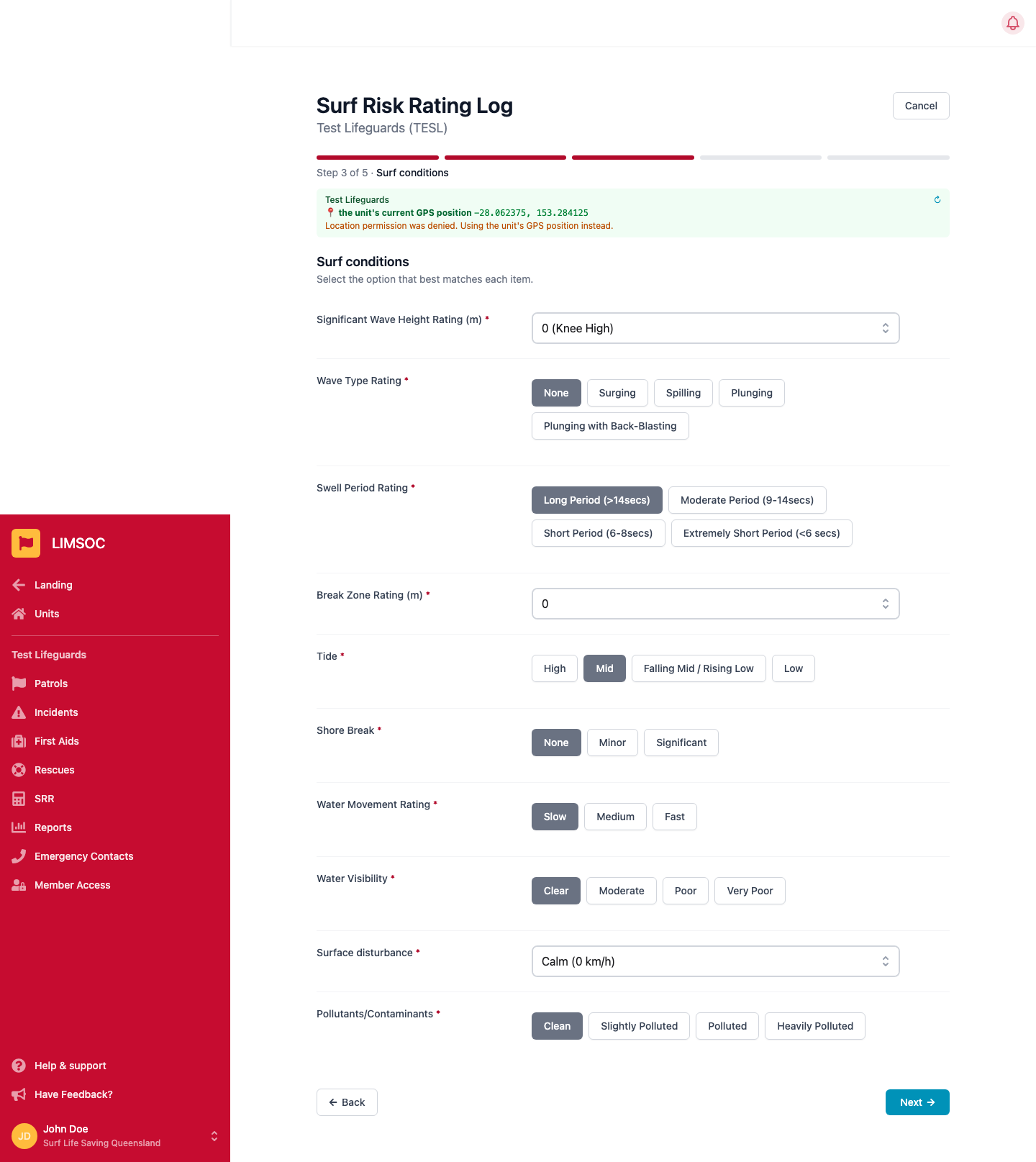
Rate wave height, wave type, swell period, break zone, tide, shore break, water movement, visibility, surface disturbance and pollutants/contaminants.
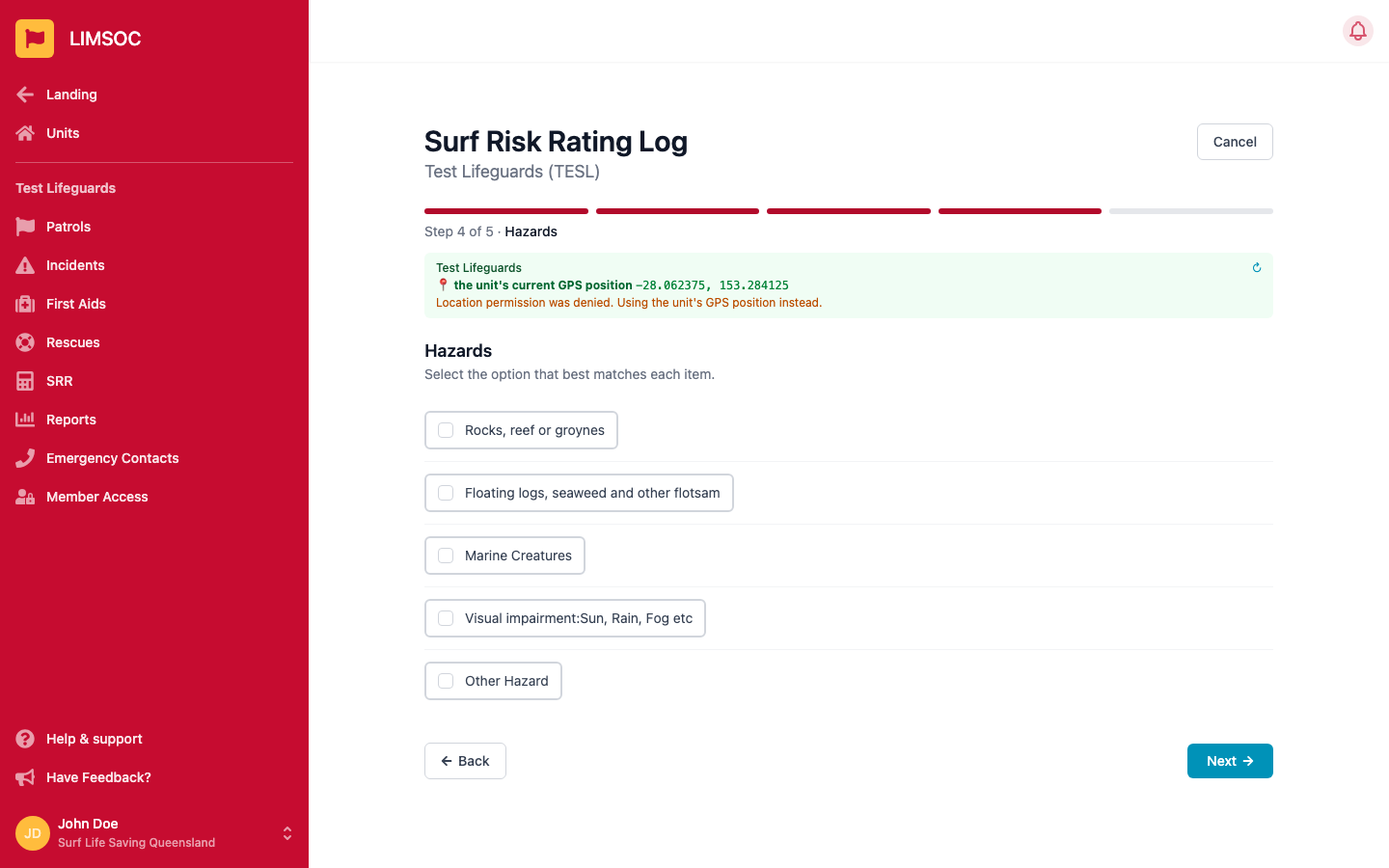
Flag any hazards present — rocks/reef/groynes, floating debris, marine creatures, visual impairment (sun/rain/fog), or another hazard you describe yourself. All optional.
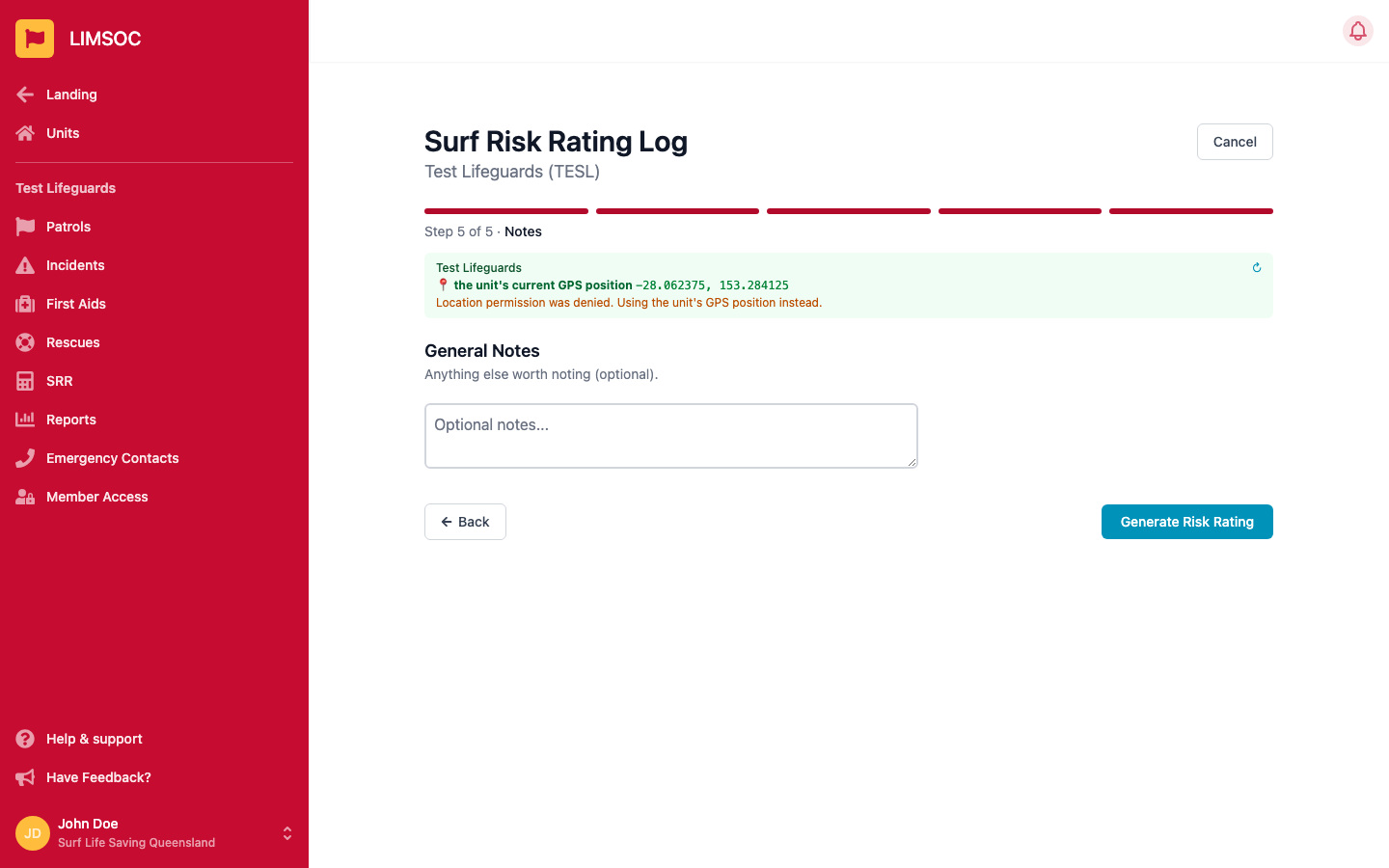
Add any general notes, then click Generate Risk Rating.
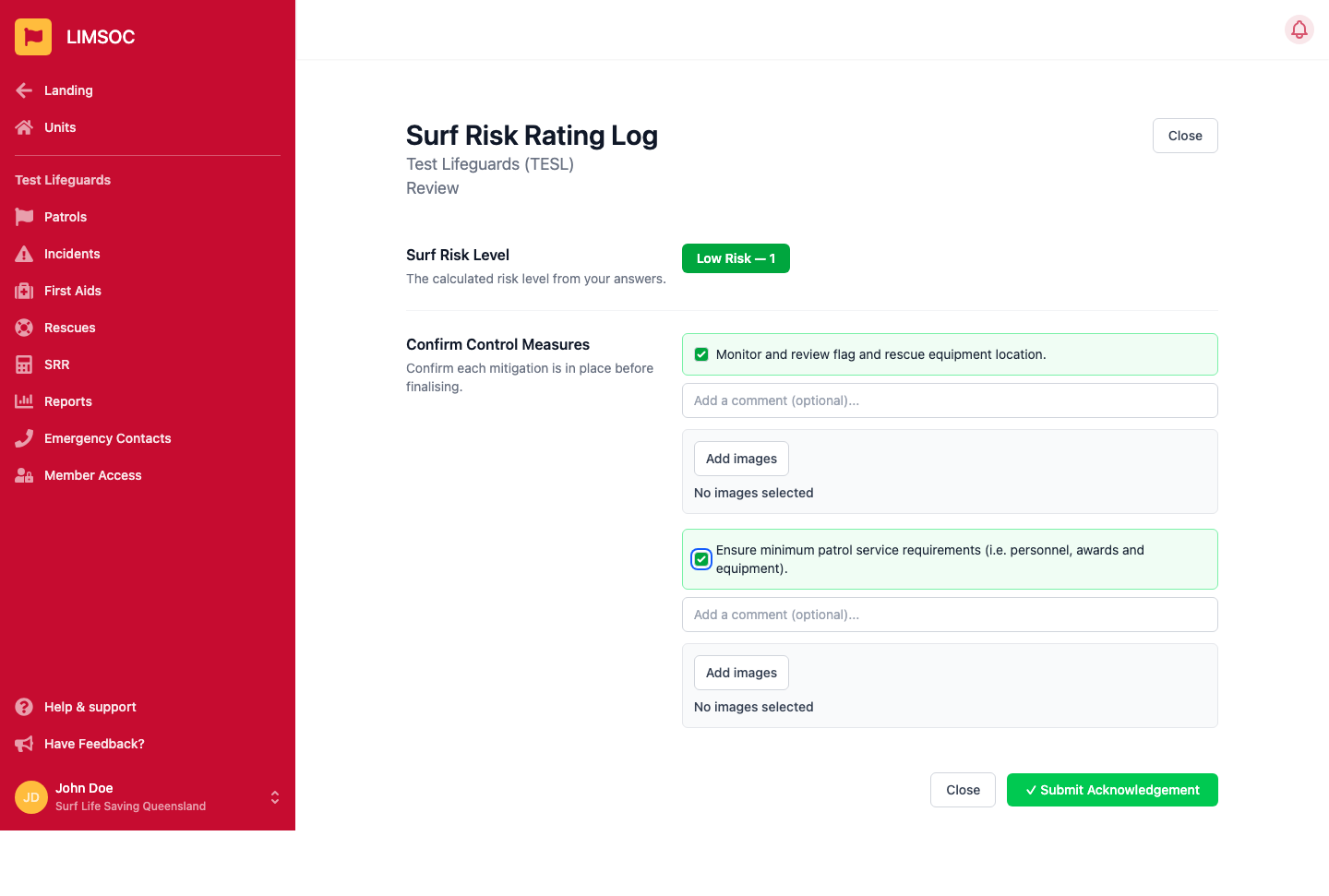
LIMSOC calculates a risk level (e.g. Low, Moderate, High) from your answers and lists the control measures you must confirm are in place before the assessment counts as complete — for example, checking flag and rescue equipment, and minimum patrol service requirements. You can add a comment or photo against each measure.
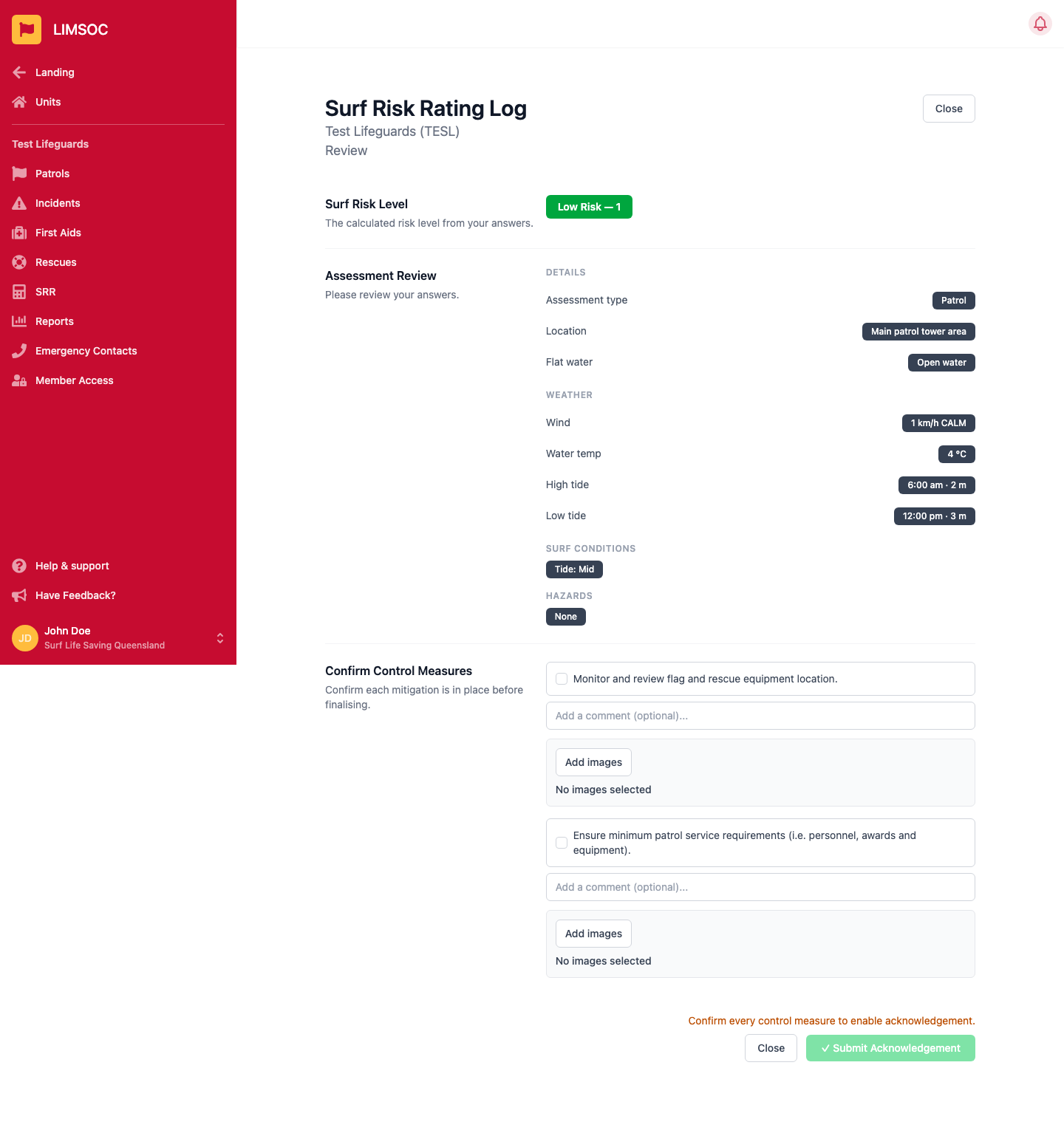
Tick every control measure to enable Submit Acknowledgement, then submit to finalise the SRR for your patrol.