
Use the Rescues screen to record any water rescue carried out by your patrol — whether or not it's linked to a logged incident. It's found in the left-hand menu once you've opened your patrol unit.
1. Open Rescues
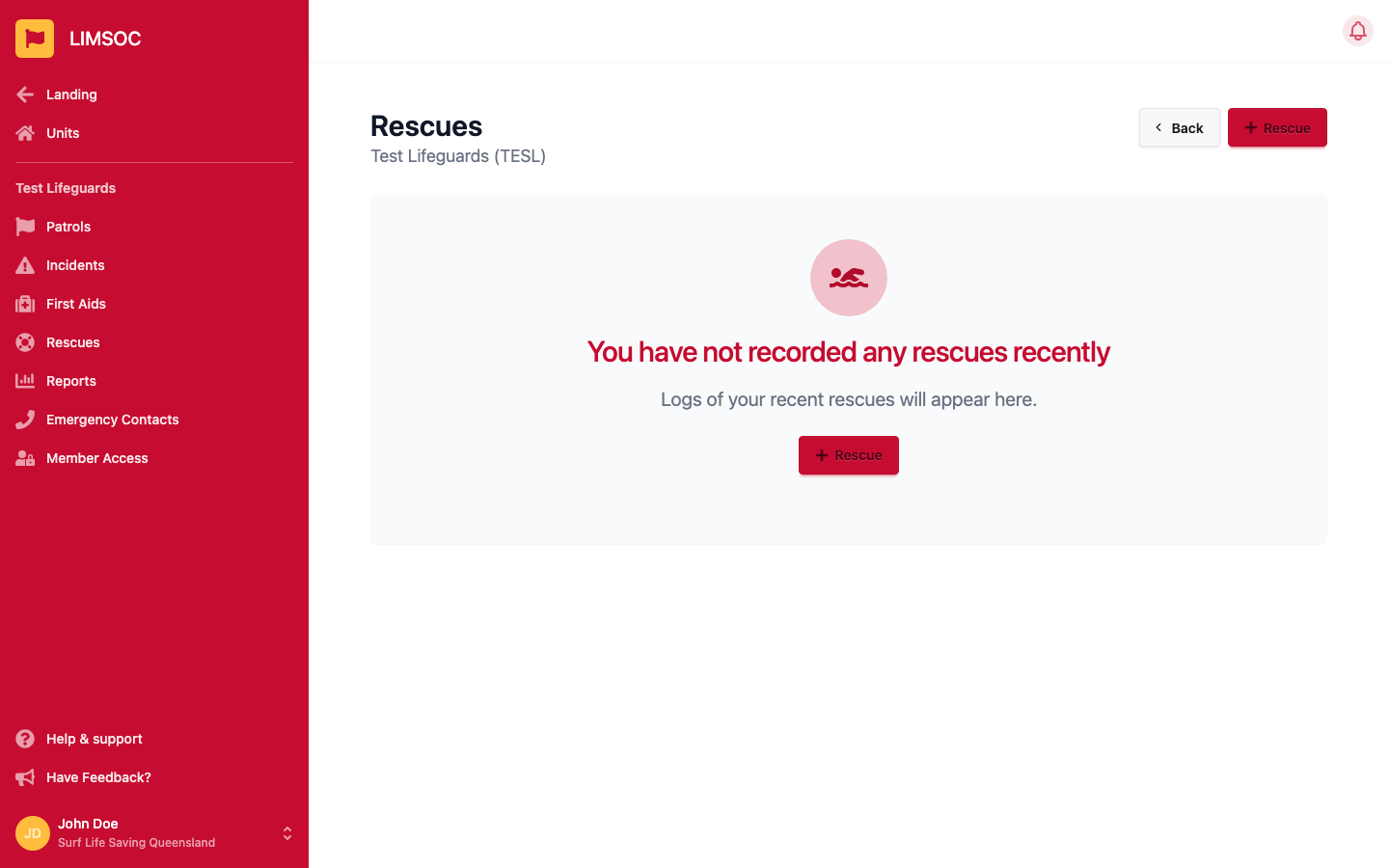
Select Rescues in your unit's menu.
2. Start a new entry
Click + Rescue. If your unit has an open incident, you'll be asked whether this rescue is attached to it. Place the rescue location by clicking on the map, or reuse the point from your last rescue with + Use Last Rescue Point.
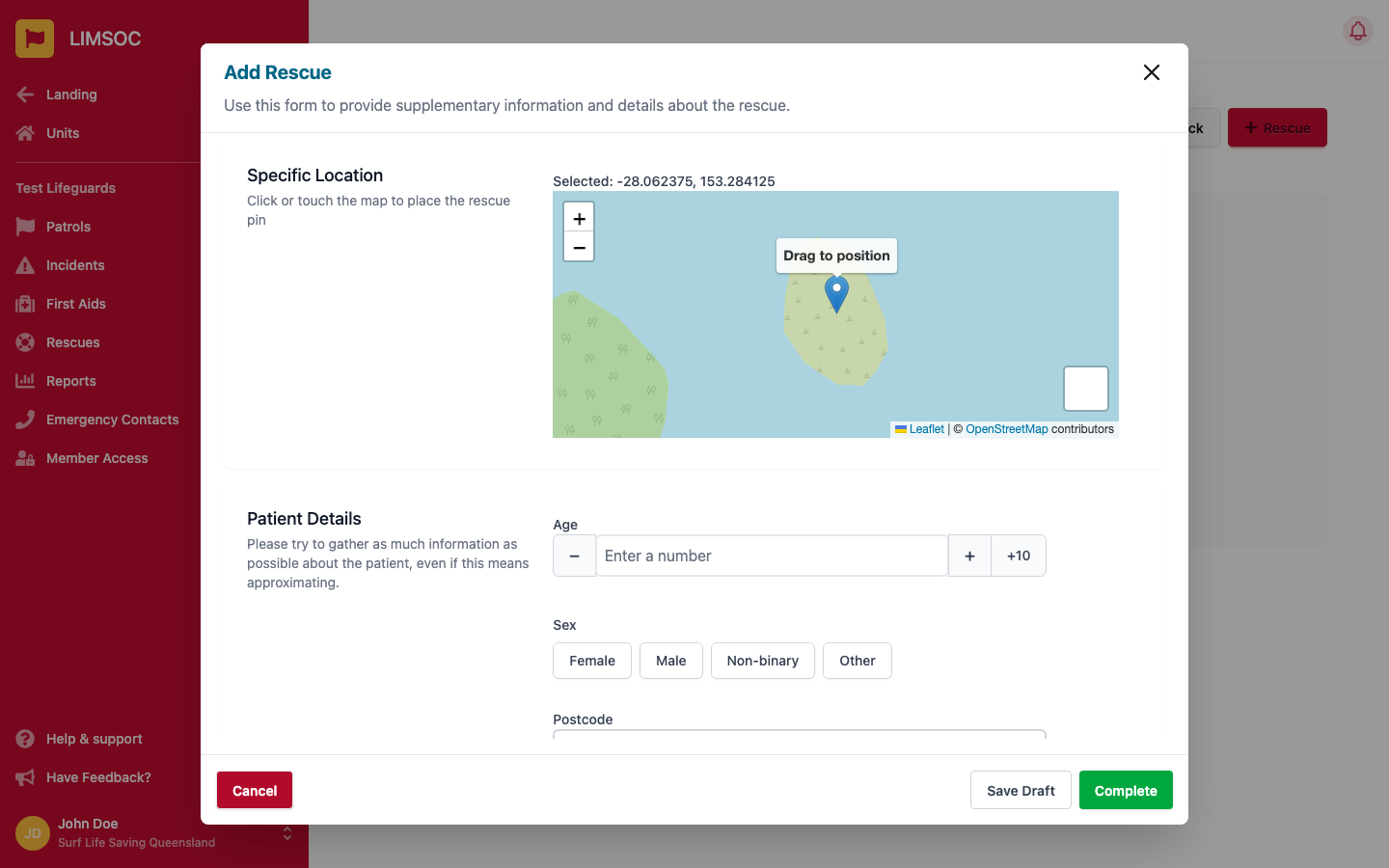
3. Fill in Patient Details and Rescue Details
Patient Details covers age, sex, postcode, nationality and patient condition — gather as much as you reasonably can, approximating where needed. Rescue Details covers the distance from the beach, the method used (e.g. Rescue Tube, Board, IRB), the position (e.g. between the flags, outside 0–100m), the activity the patient was doing, and the time of the rescue.
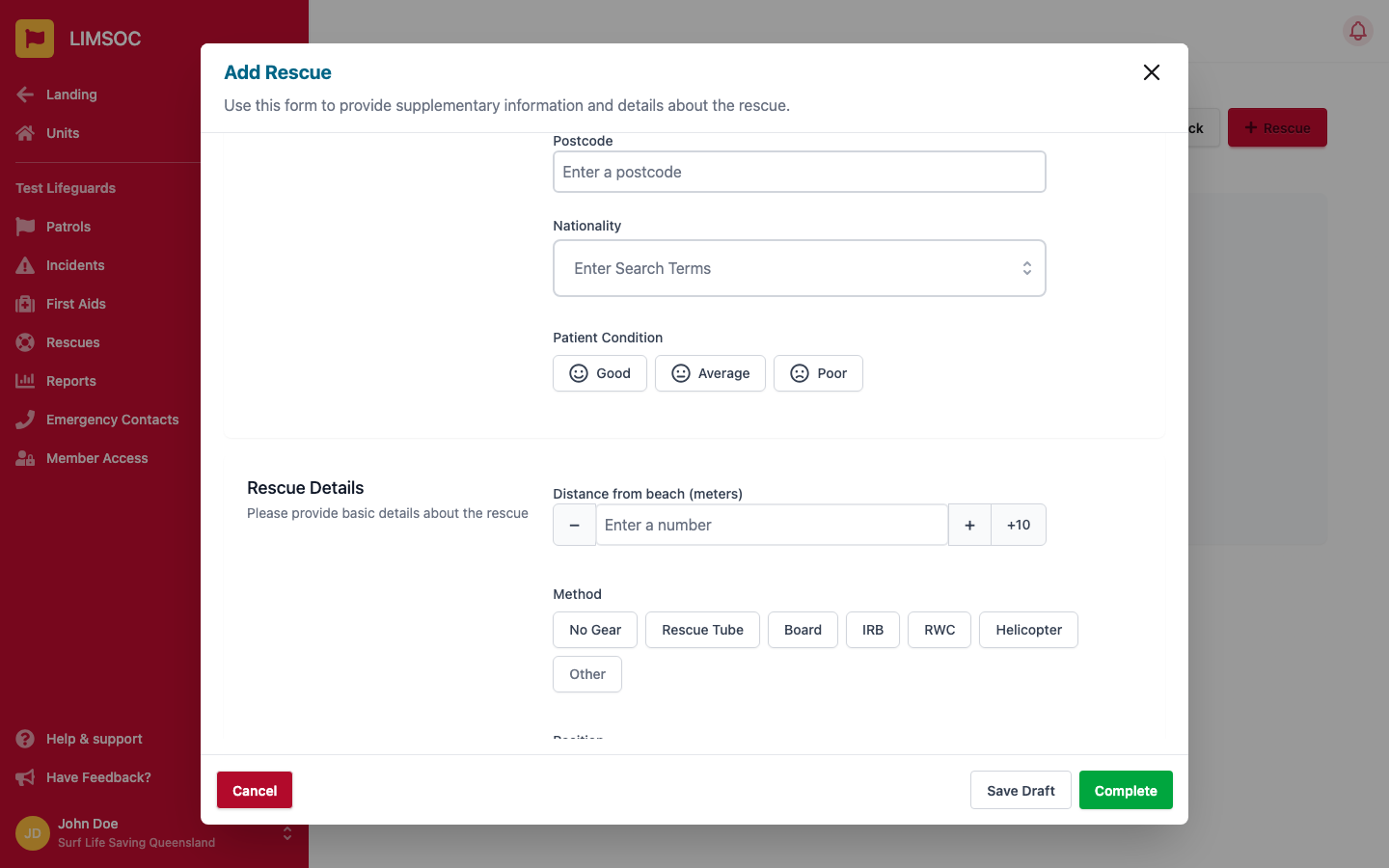
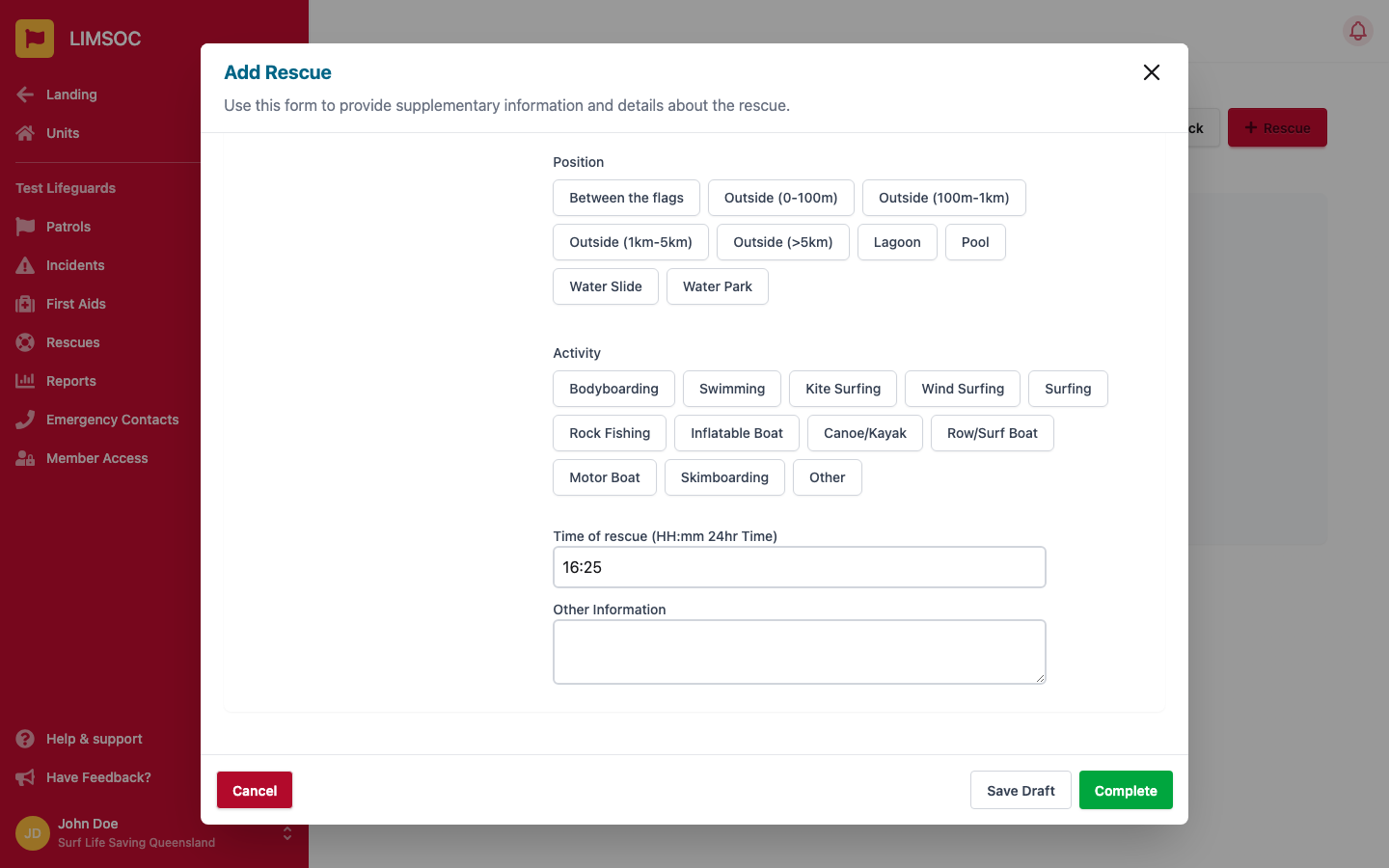
4. Save Draft or Complete
Click Save Draft once you've at least got age and sex recorded, or Complete once every required field is filled in.
After it's complete
A completed rescue log can be reopened by users with permission to do so, if a correction is needed. As with First Aids, club-level users can generally only see today's and any incomplete logs — contact your Comms centre for anything older.