
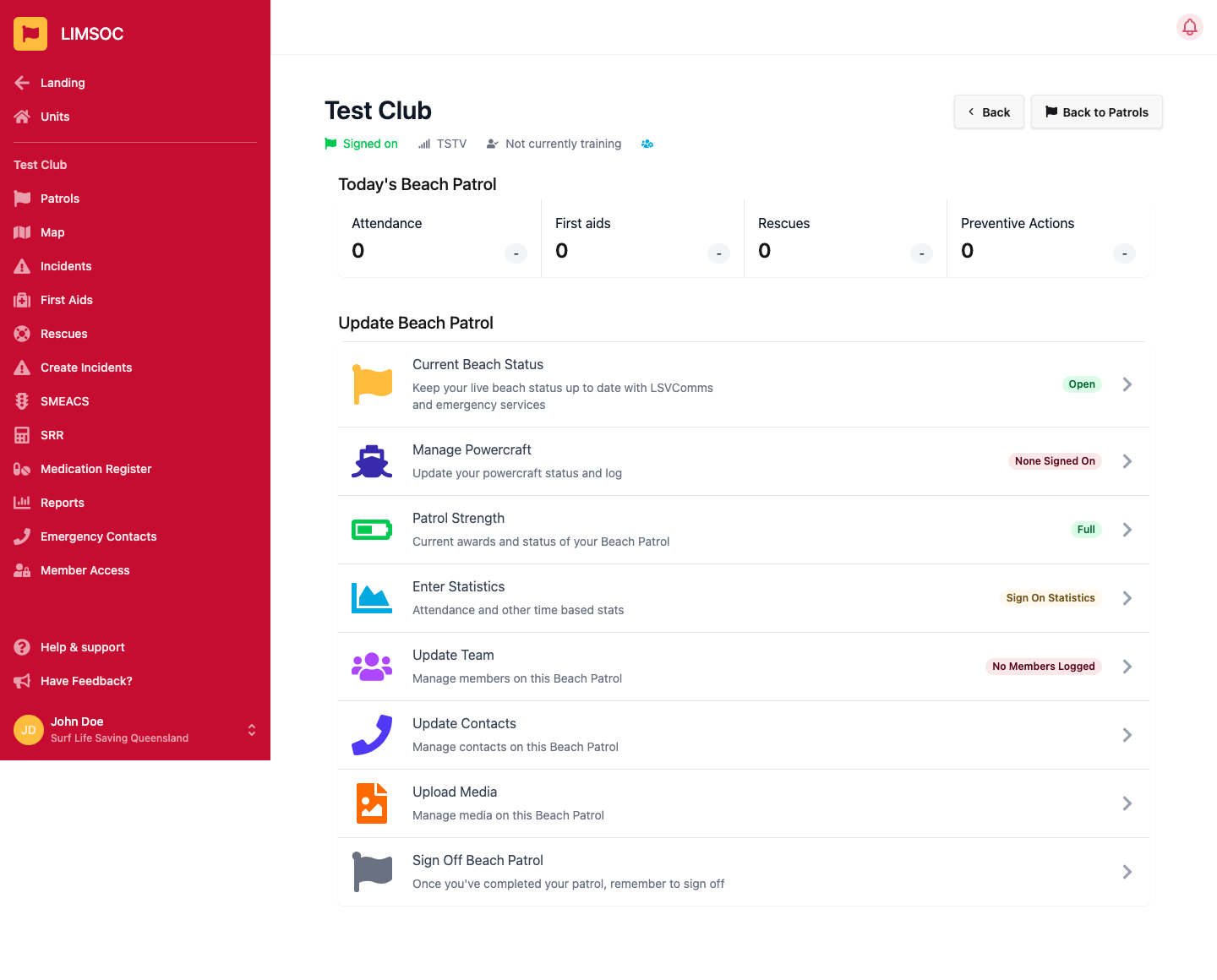
If your patrol has powercraft, you'll see a Manage Powercraft row on your patrol's activity screen once you're signed on. From there you tell Surfcom whether you have powercraft available, and sign on each craft you put in the water.
1. Set your powercraft status
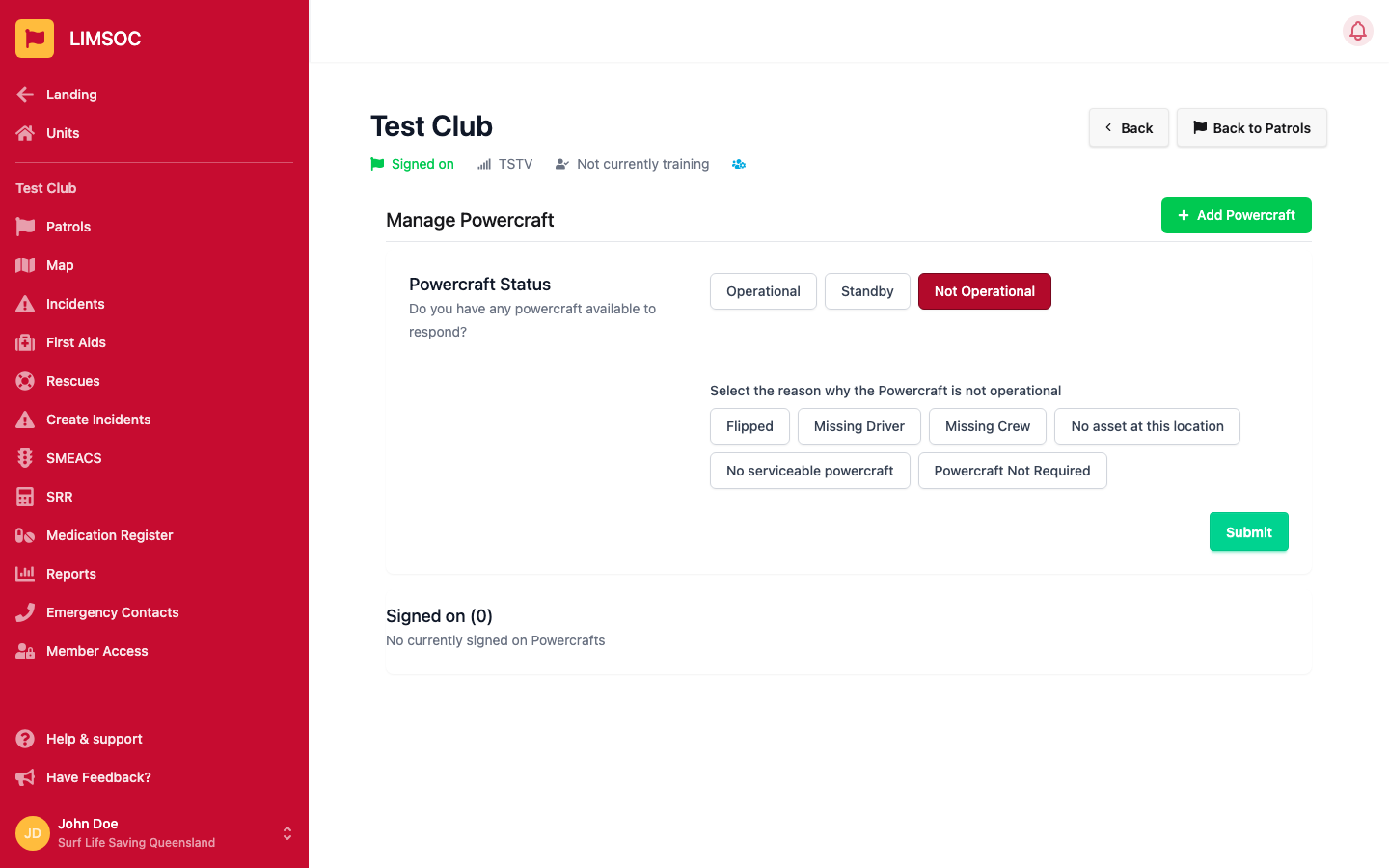
Select Manage Powercraft and answer Do you have any powercraft available to respond?
Operational: ready to respond.
Standby: available but not immediately deployed.
Not Operational: choose a reason (Flipped, Missing Driver, Missing Crew, No asset at this location, No serviceable powercraft, or Powercraft Not Required), then click Submit.
Keep this status current, because Surfcom uses it to decide who to task. Other units also see it as an IRB badge on the patrol map. Choosing Powercraft Not Required doesn't exempt your patrol from its service agreement.
2. Sign on a powercraft
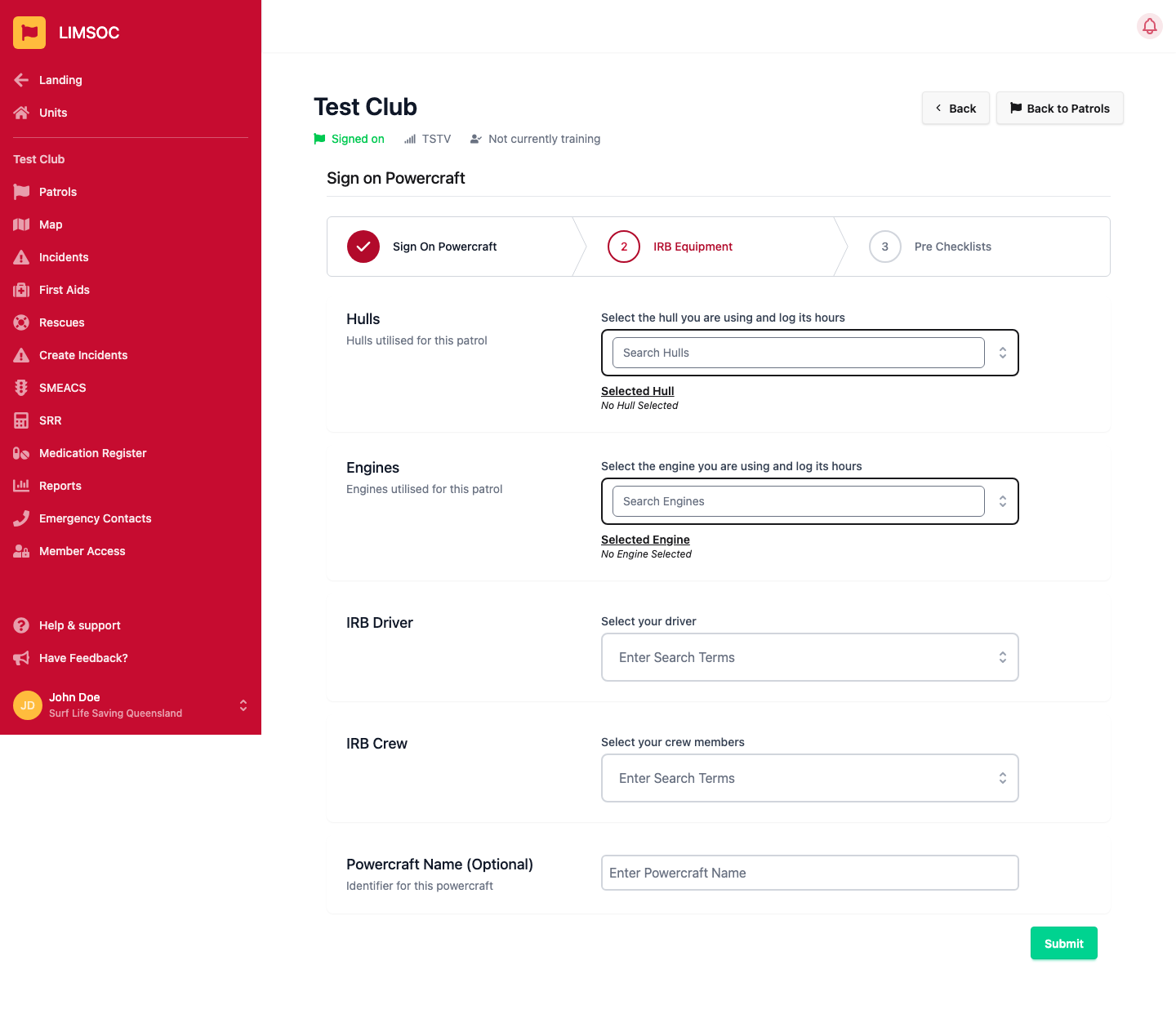
Click + Add Powercraft and work through the three steps:
Sign On Powercraft: drag the pin to where the craft is operating and enter an Estimated Completion Time (for example 1500, 15:00 or +120 for two hours from now). Click Sign on and continue.
IRB Equipment: select the Hull and Engine you're using so their hours are logged, choose the IRB Driver and IRB Crew, and optionally give the craft a Powercraft Name (e.g. IRB 1). Click Submit.
Pre Checklists: complete the pre-operation checklist (see below).
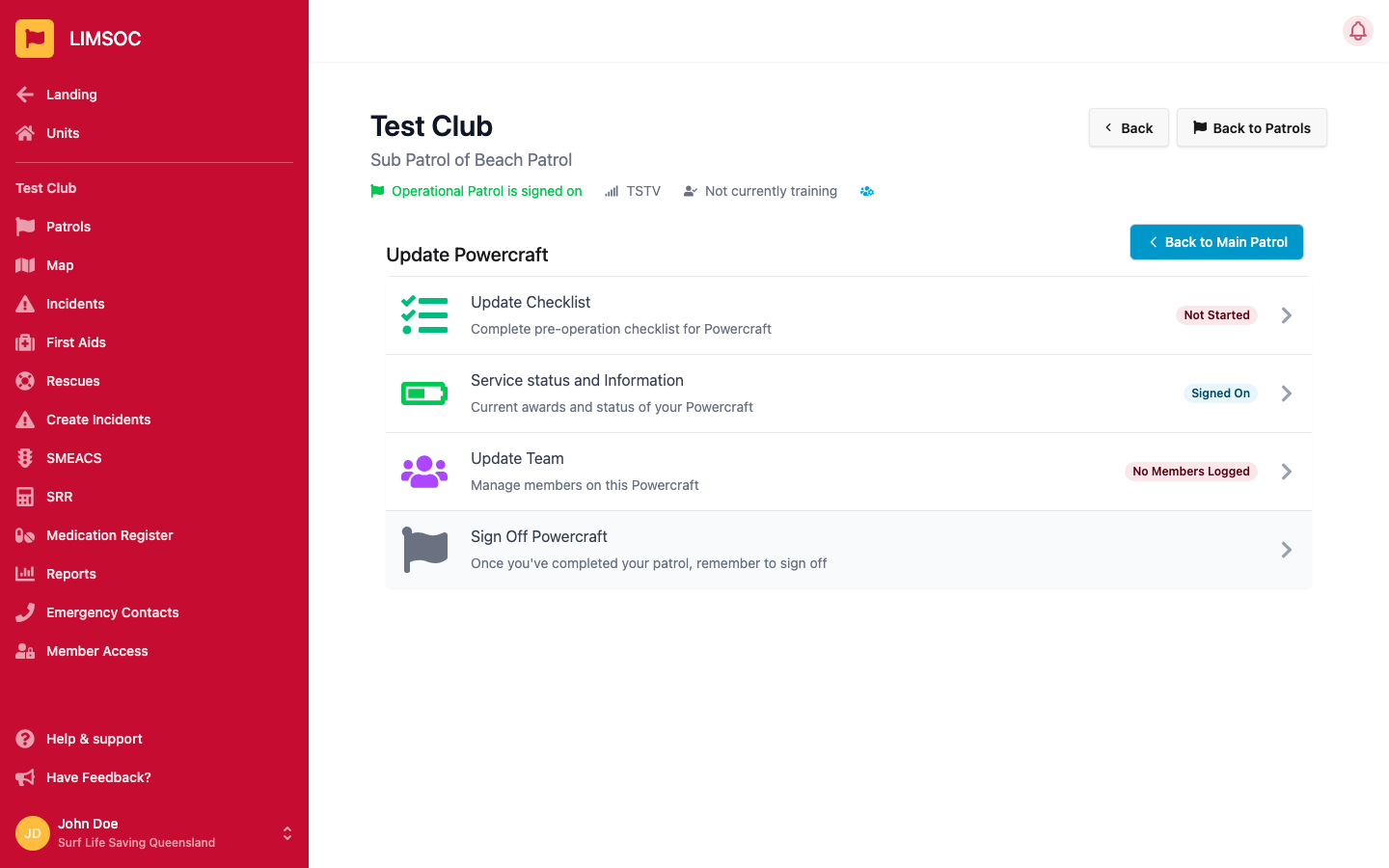
The craft then appears under Signed on on the Manage Powercraft screen. Click Manage next to it to open its own screen, which has Update Checklist, Service status and Information, Update Team and Sign Off Powercraft. Use Back to Main Patrol to return.
3. Complete the pre-operation checklist
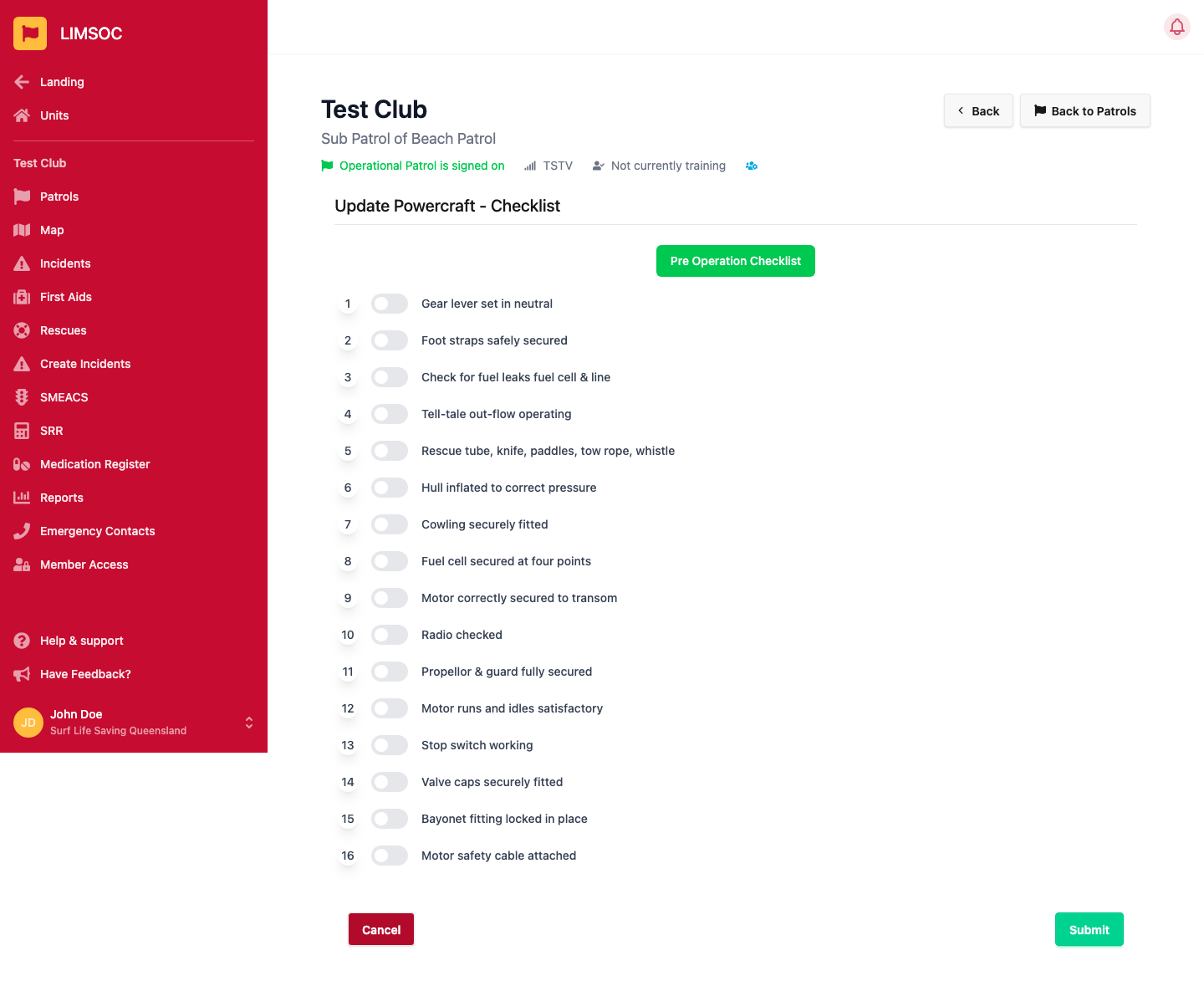
From the craft's screen, select Update Checklist. Switch on each item of the Pre Operation Checklist as you check it, from Gear lever set in neutral through to Motor safety cable attached, then click Submit. The row shows Not Started until you do. If anything fails a check, don't launch the craft. Report it to your patrol captain.
When the craft comes in
Open the craft from Manage Powercraft and select Sign Off Powercraft. Sign off each craft before you sign off the main patrol.