Use the First Aids screen to record any first aid treatment carried out by your patrol — whether or not it's linked to a logged incident. It's found in the left-hand menu once you've opened your patrol unit.
Select First Aids in your unit's menu. Any first aid logs you've started will be listed here.
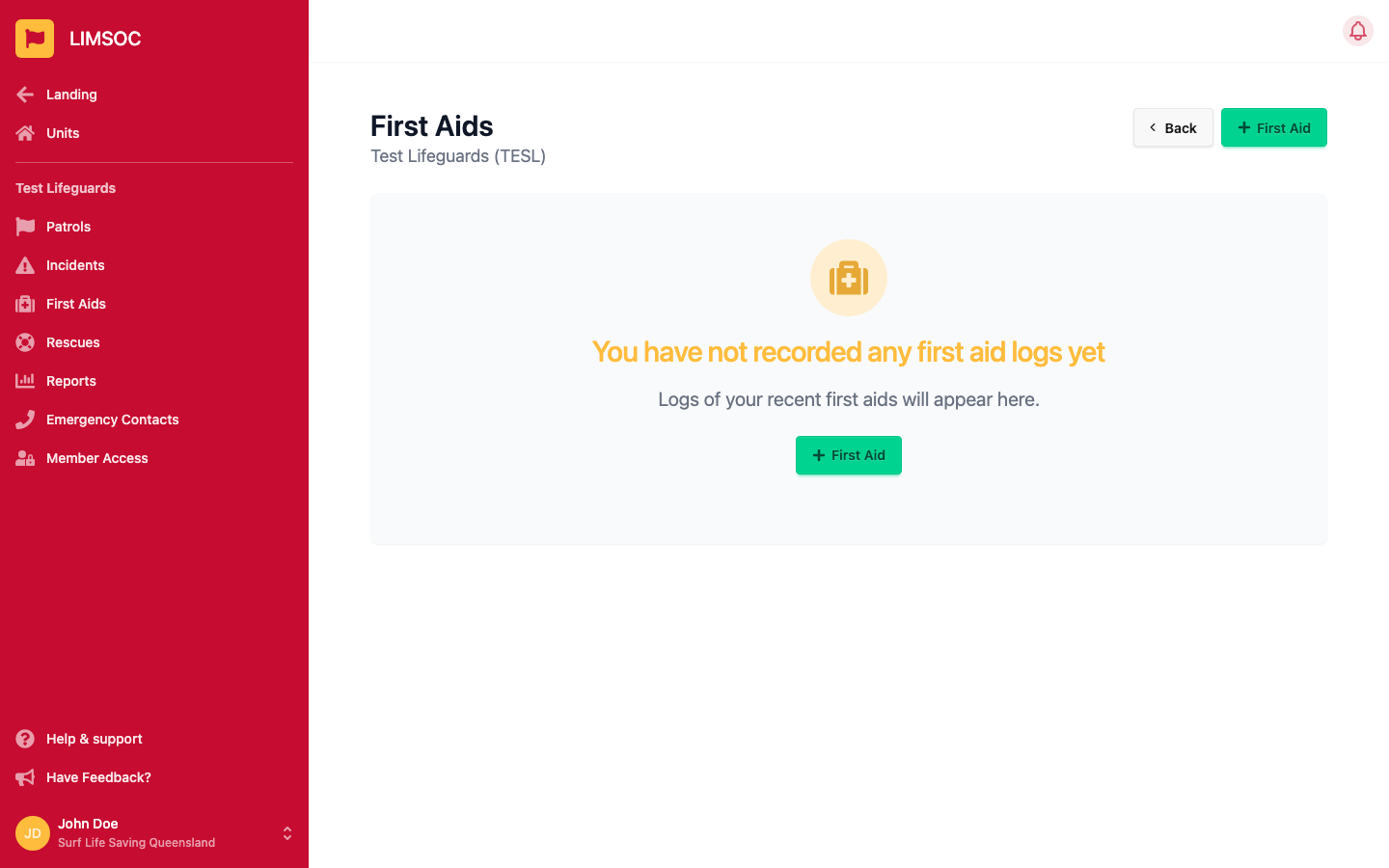
Click + First Aid. A short pre-fill form opens first so you can register the log quickly and finish the detail later:
Description or Reference — required, a brief note of the incident and treatment
Gender — required
Age — required
Location — optional, either a text description or a pin on the map
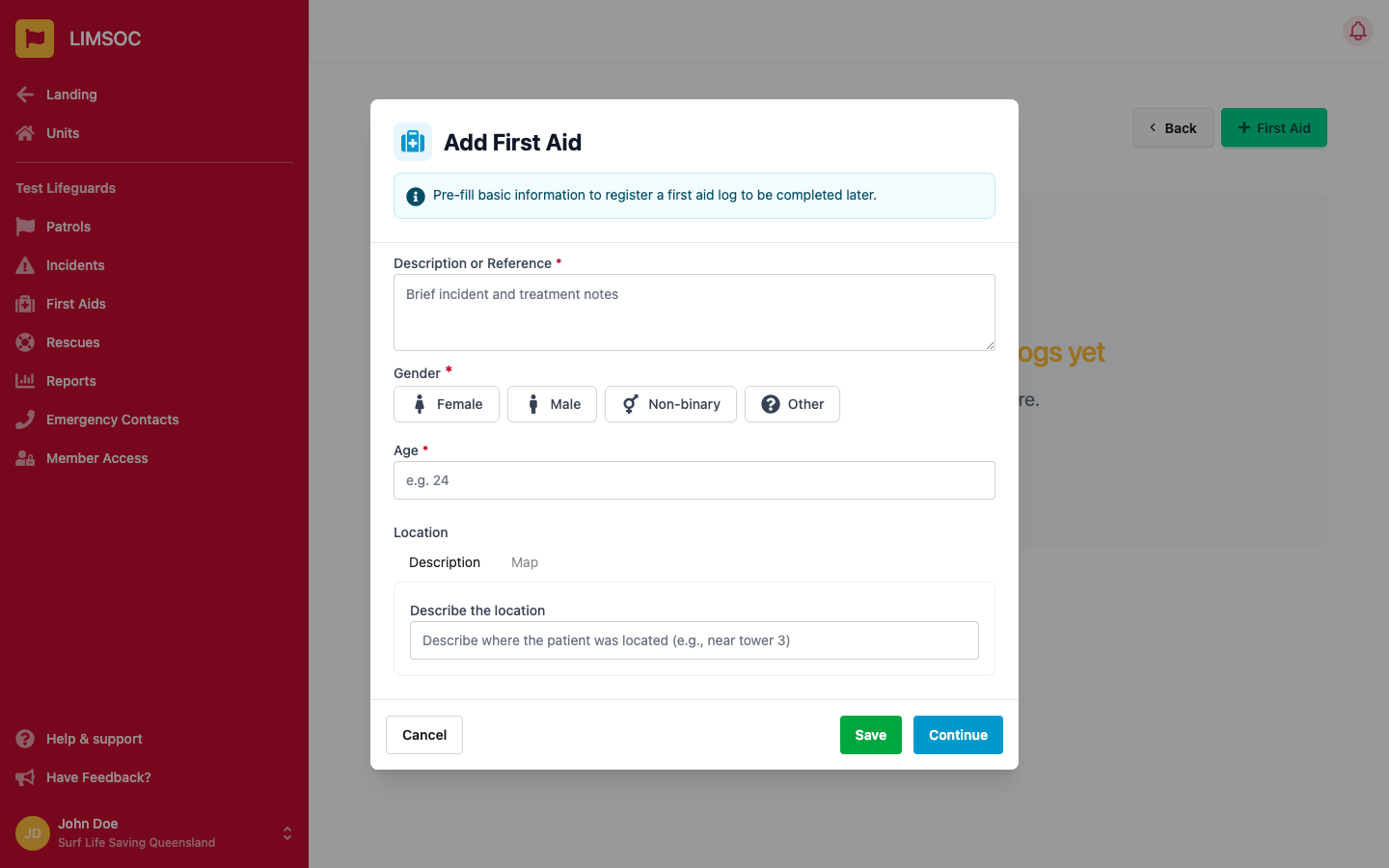
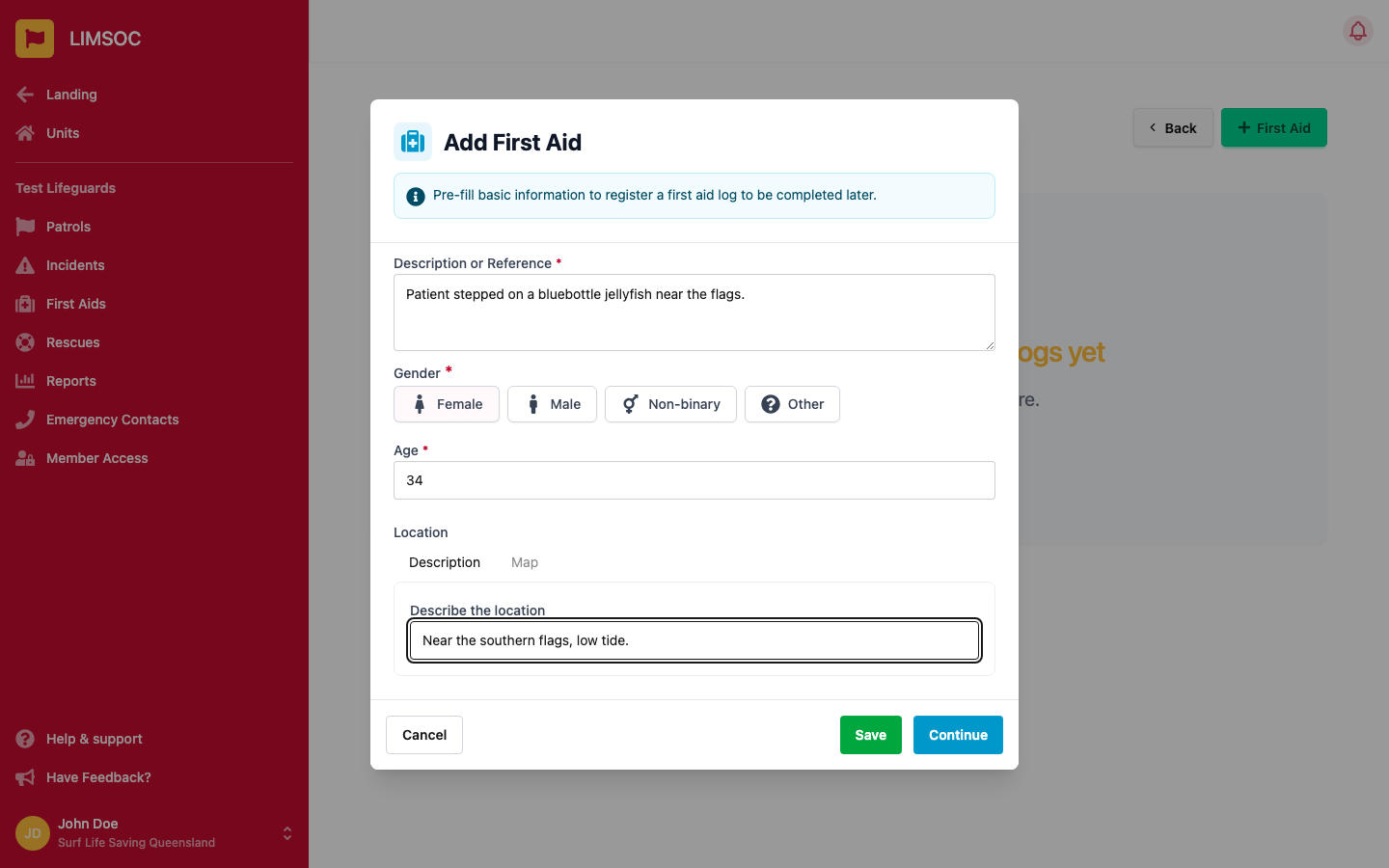
Click Save to register the log and complete it later, or Continue to go straight into the full form.
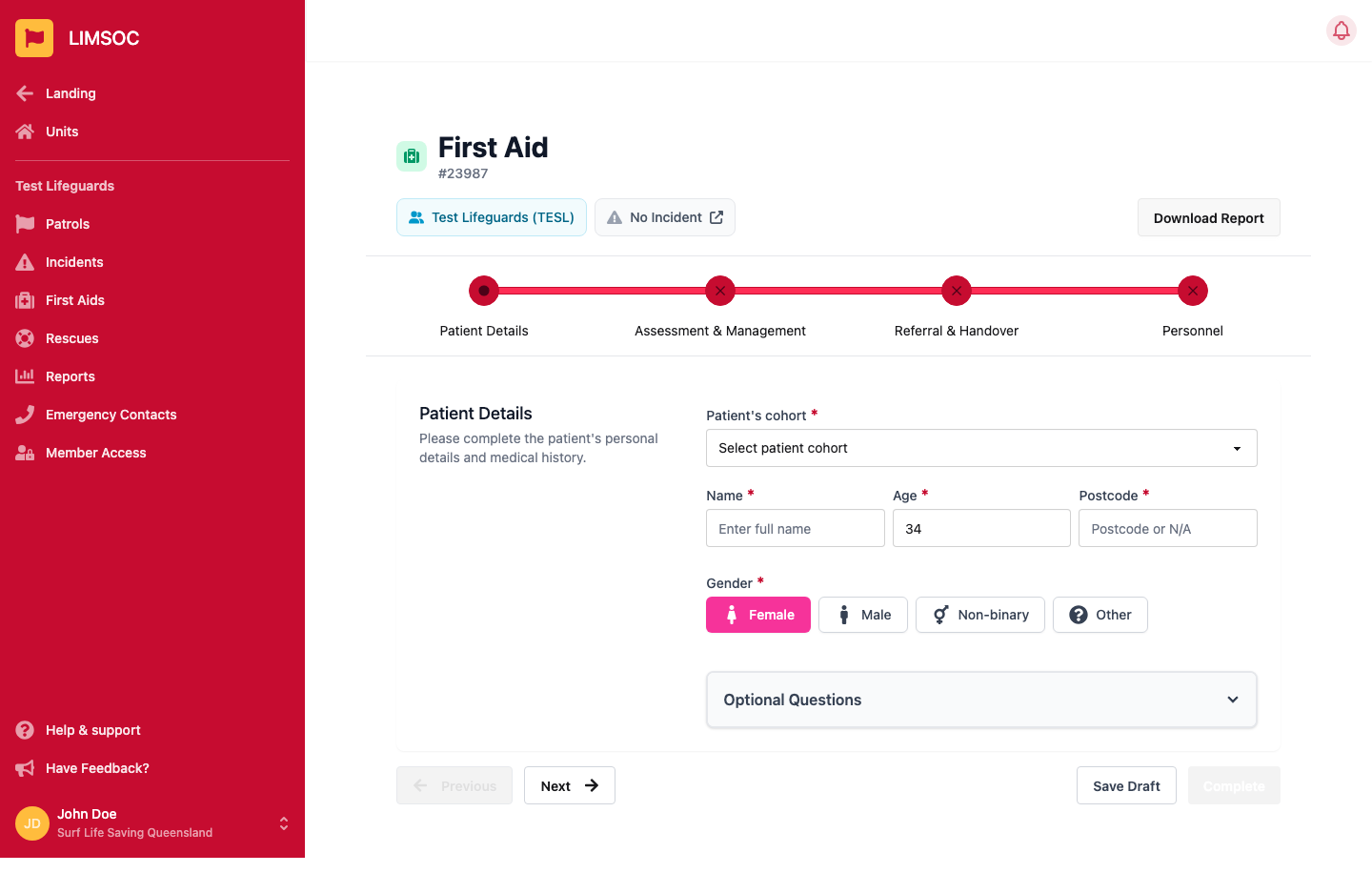
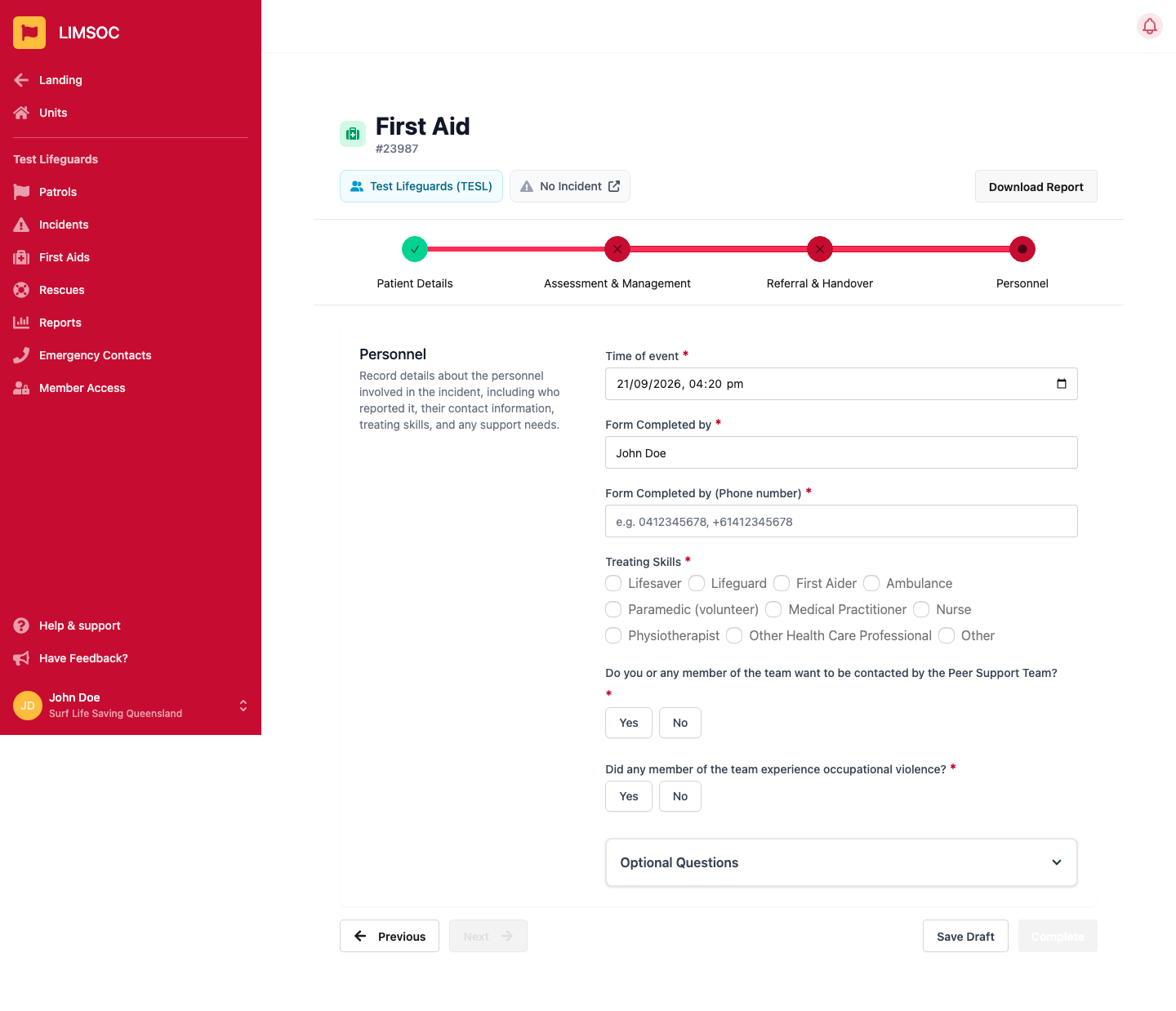
The form is split into steps, shown as a progress bar at the top. A step turns green with a checkmark once every required field on it is filled in; you can jump between steps at any time by clicking their name.
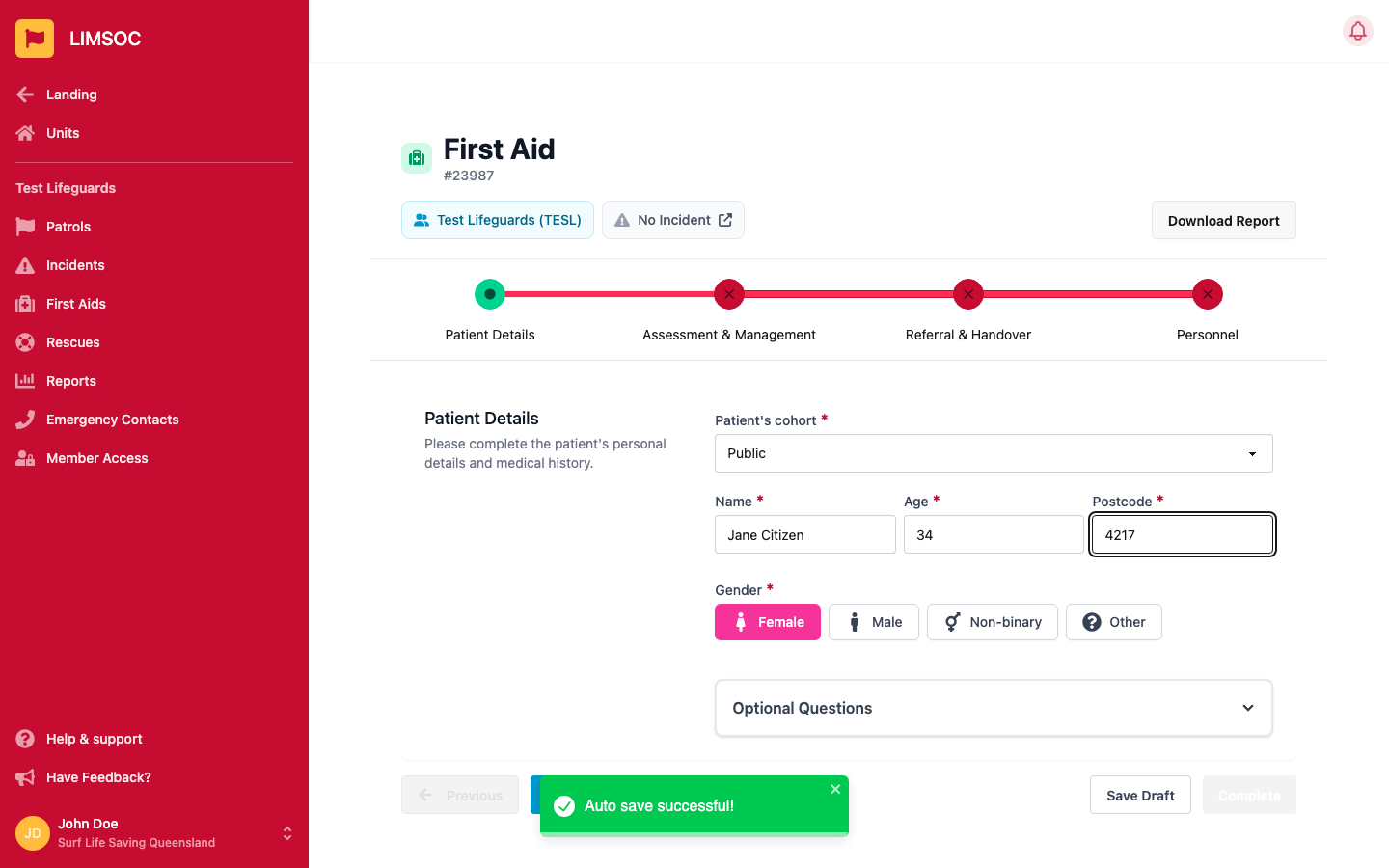
Patient Details
Patient's cohort, name, age, postcode and gender are required. An Optional Questions section adds date of birth, contact details, address, cultural background, allergies, medication and past medical history when you have them.
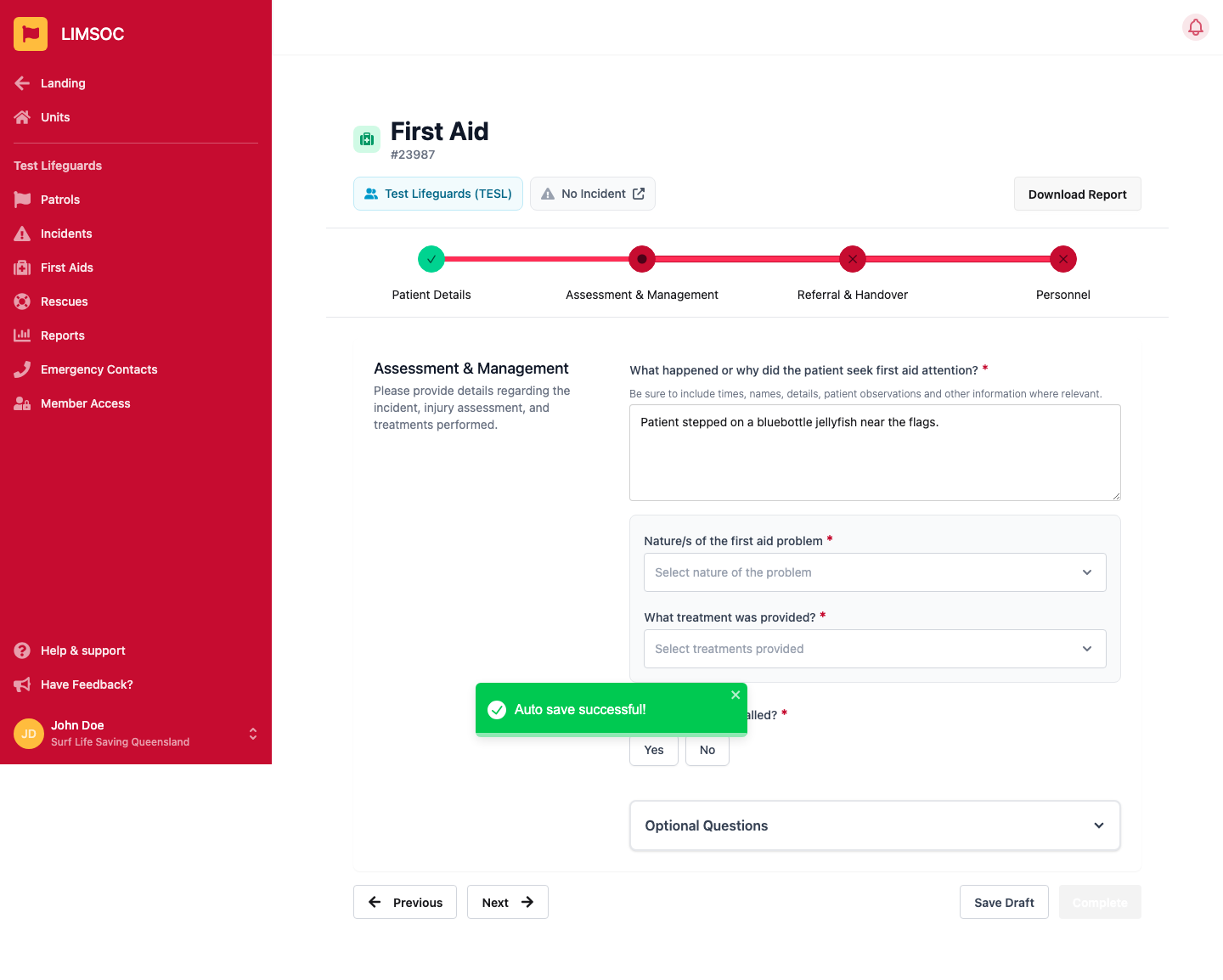
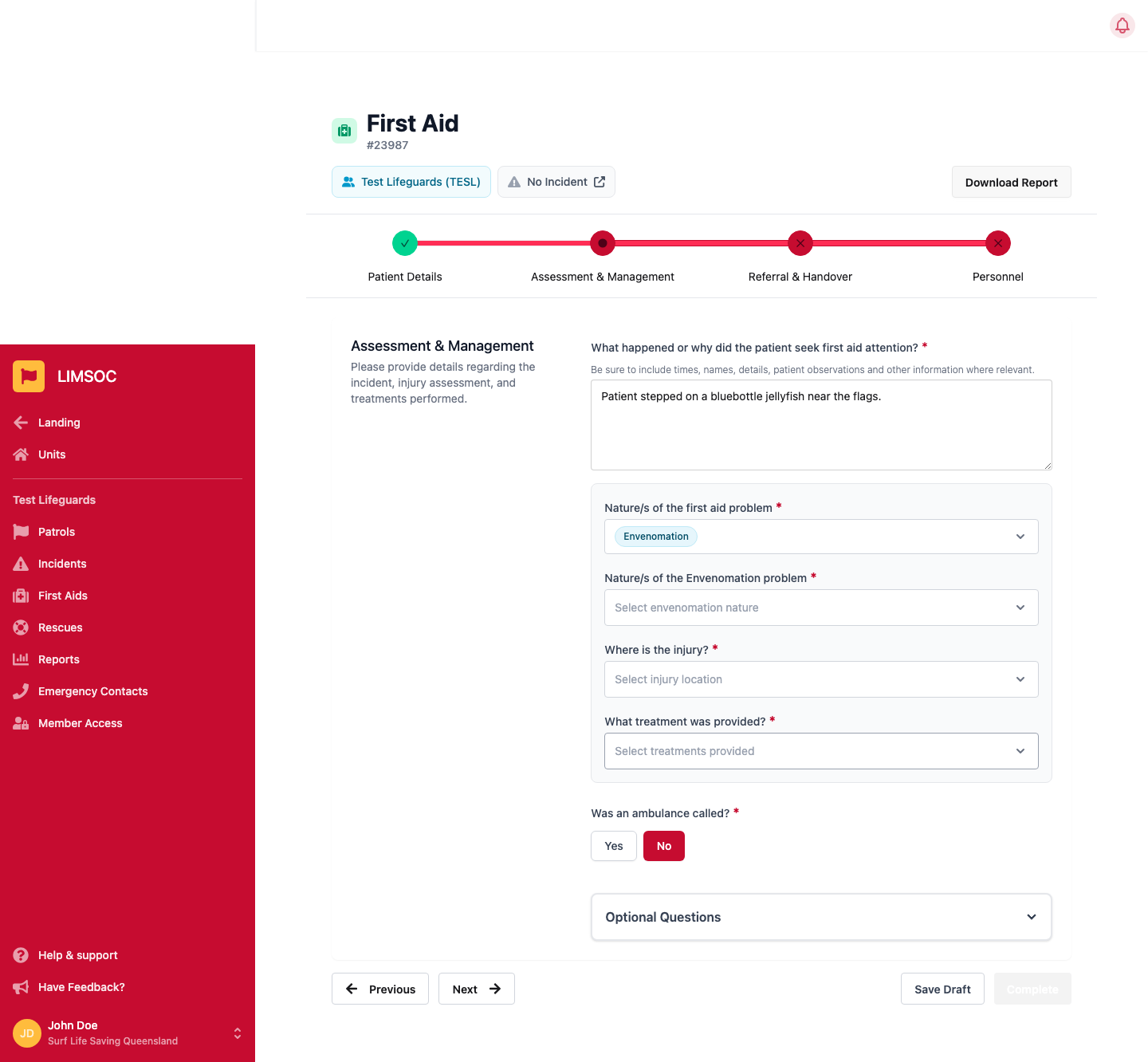
Assessment & Management
Describe what happened, then select the nature of the problem (e.g. Injury, Envenomation, Resuscitation/CPR). Selecting a nature reveals a matching sub-list and, where relevant, injury location and treatment fields. Recording CPR, oxygen or Methoxyflurane automatically adds extra steps to the form to capture those details — you don't need to add them yourself.
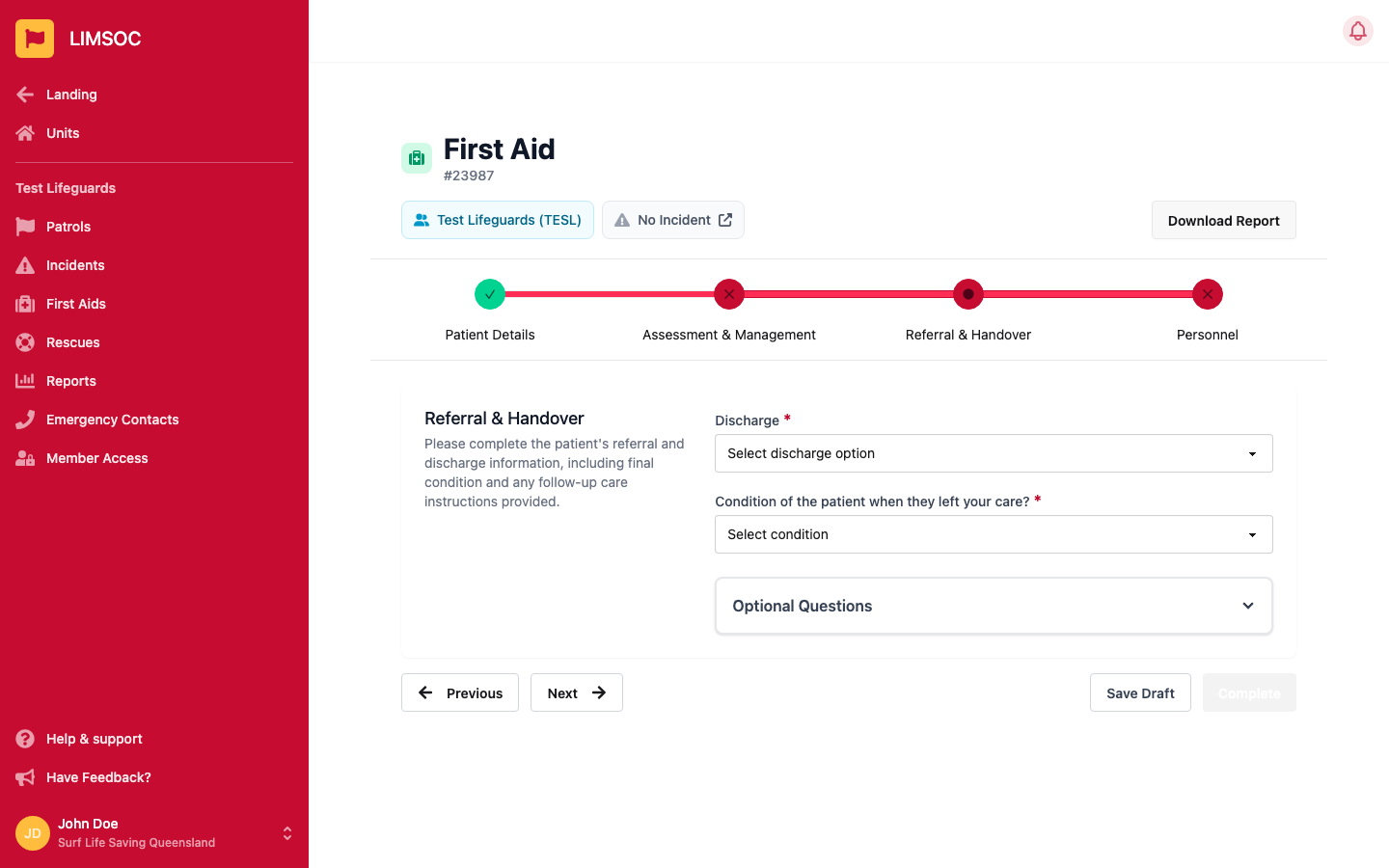
Referral & Handover
Record how the patient was discharged (e.g. transported by ambulance, referred to a doctor, handed to a competent adult) and their condition when they left your care.
Personnel
Time of event and who completed the form are pre-filled for you — check them and add treating skills, plus whether anyone involved wants to be contacted by the Peer Support Team or experienced occupational violence.
LIMSOC automatically flags a first aid log as major as soon as you enter any of the following — you don't set this yourself, and it's recalculated live as you fill in the form. Any one of these is enough to make a log major:
The patient's cohort is LSV Employee or LSV Lifeguard / Support Service
The nature of the problem includes Resuscitation/CPR or Suspected Drowning
The medical problem includes Chest Pain, Shock, Stroke, Cardiac Arrest, Loss of Consciousness or Anaphylaxis
The treatment given includes Resuscitation, Methoxyflurane, Epi-Pen, Oxygen, AED / Defibrillator or a Tourniquet
Was an ambulance called? is answered Yes
The patient was discharged as Ambulance – Transported, Ambulance – No Transport, Hospital – With Competent Adult or Virtual ED
The patient's condition when they left your care was Unconscious or Deceased – Confirmed by Ambulance
A first aid started directly from an already-open incident is also marked major automatically, regardless of the clinical details.
A major first aid cannot be marked Complete until it's linked to an incident number. The Complete button stays disabled and shows: “Major first aids must be linked to an incident. If you haven't already, please contact LSV Comms or 13 SURF (13 78 73)”.
To get that incident number:
If your unit has the Create Incidents permission (visible as its own menu item), you can raise the incident yourself from the patrol menu and attach it to the first aid.
Otherwise, contact your Comms centre — Surfcom in Queensland, LSV Comms in Victoria — or call 13 SURF (13 78 73), and ask them to raise the incident and give you the incident number to attach.
Every field autosaves as you fill it in, so it's safe to leave and come back. Click Save Draft to leave a log unfinished, or Complete once every step shows green (and, for a major first aid, once an incident is linked — see above).
A completed log shows a Reopen option if you need to correct it. Club-level users can generally only see today's and any incomplete logs — for anything older or already completed, contact your Comms centre.
