The Reports tab gives club admins self-service reporting for their own unit, without needing access to the full back-office Reporting console.
Open Reports from your unit's sidebar to see the report menu.
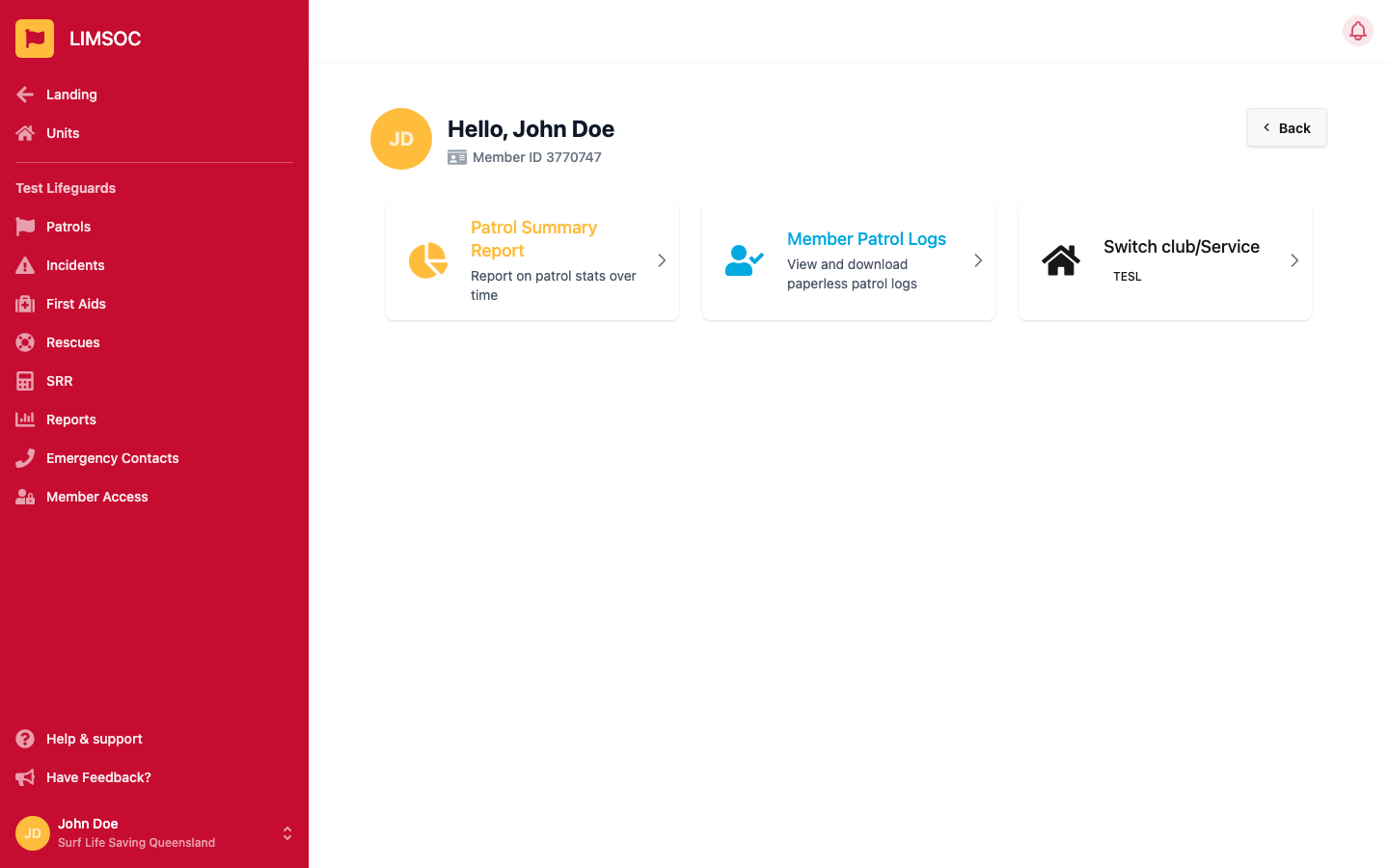
Select Patrol Summary Report to see your unit's activity over a date range: preventative actions, minor and major first aids, rescues, and attendance, plus a list of incidents in the period.
Set your From and To dates (it defaults to the current calendar month) and select Generate Report.
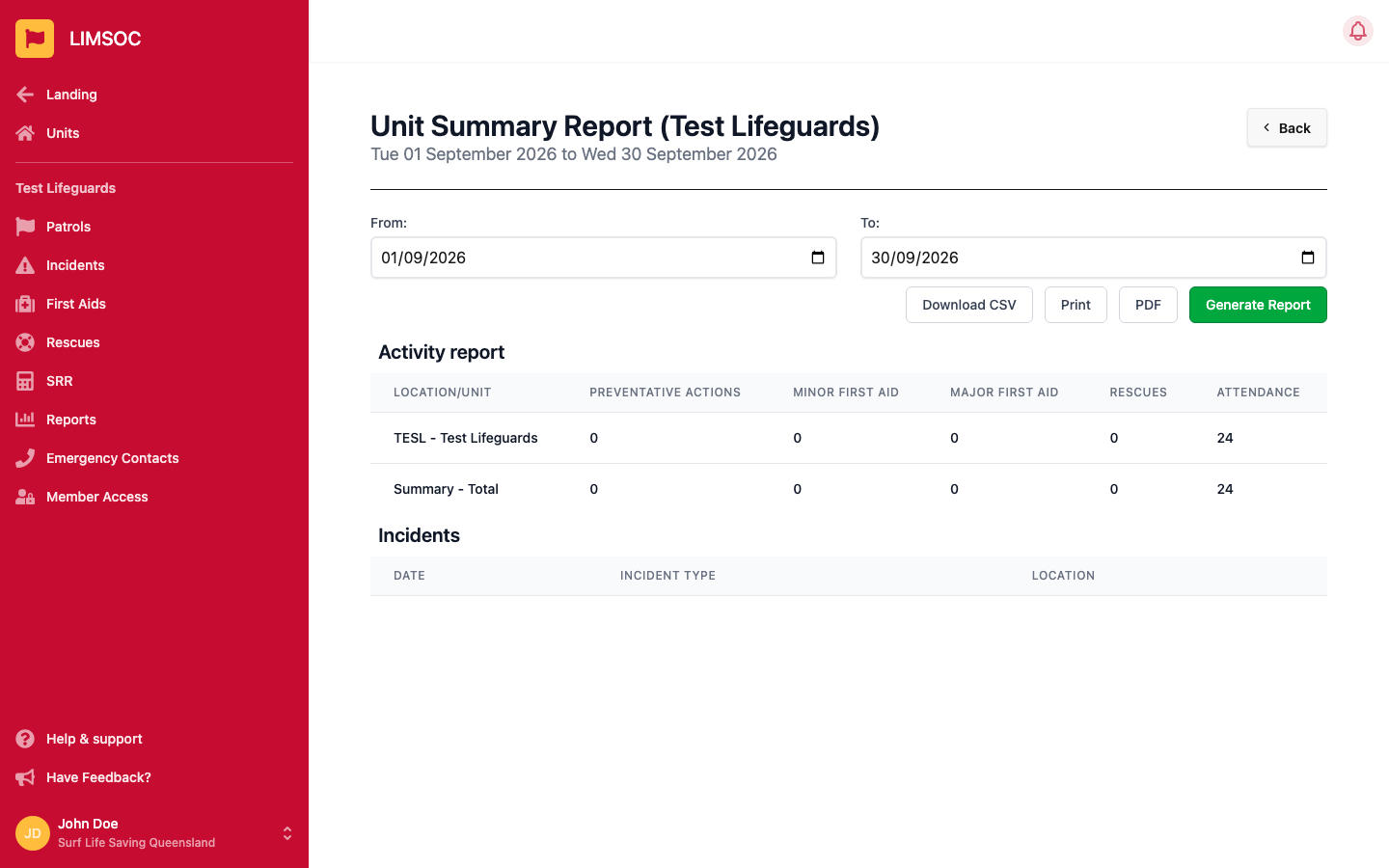
You can then Download CSV, Print the on-screen report, or generate a formatted PDF.
Select Member Patrol Logs to view and download the paperless patrol logs recorded for individual members — useful for checking or exporting patrol hours without waiting on a SurfGuard sync.
Set a date range and select Generate Report. Each row shows the member's ID, full name, patrol time, patrol type, and roster details; click any column heading to sort by it.
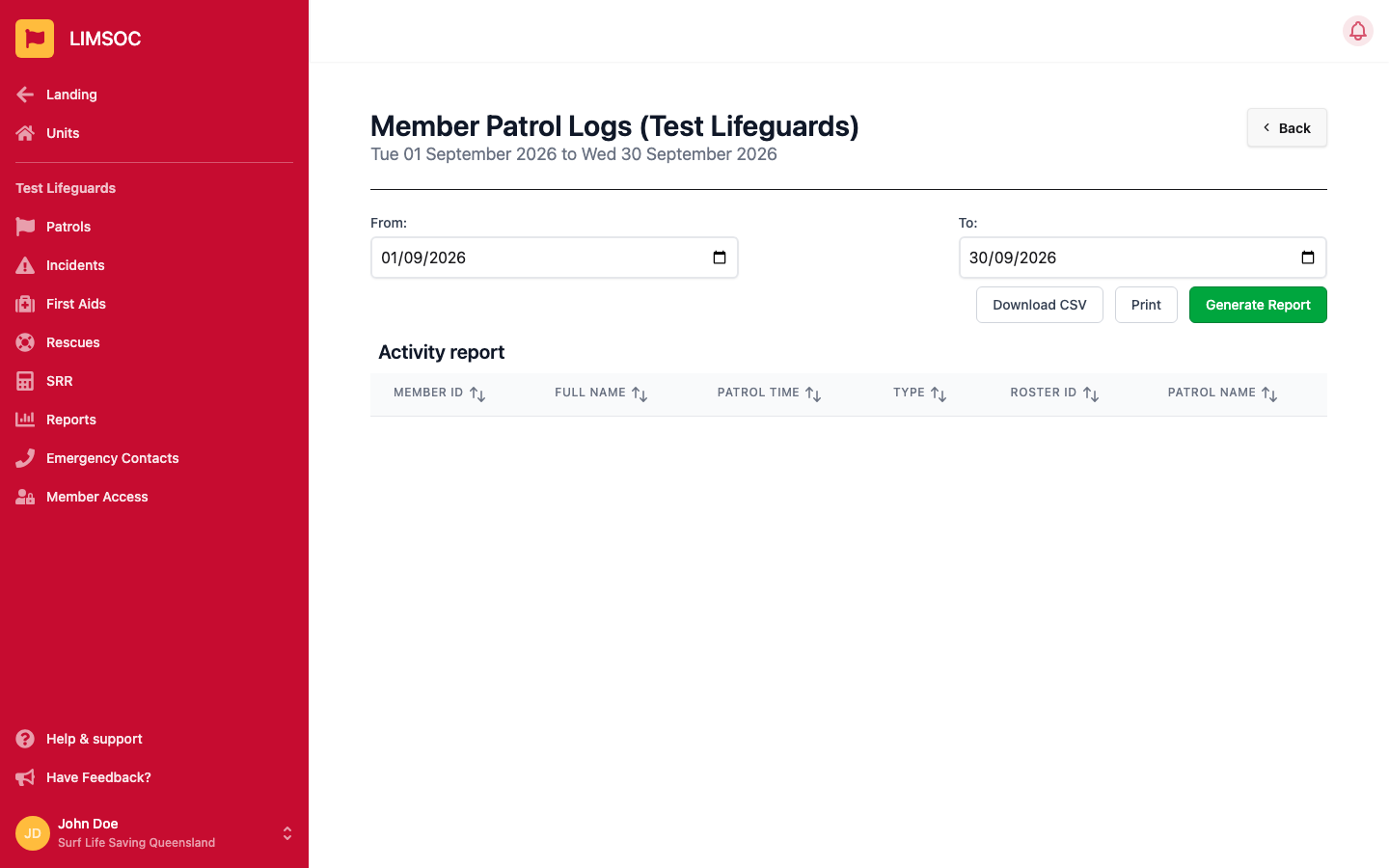
This report supports Download CSV and Print — there's no PDF option here.
