
Comms and other units rely on your patrol's contact details to reach you quickly — keep them current, especially if you change radio channels or the on-duty mobile changes hands.
Update your contacts
From your patrol's activity screen, select Update Contacts.
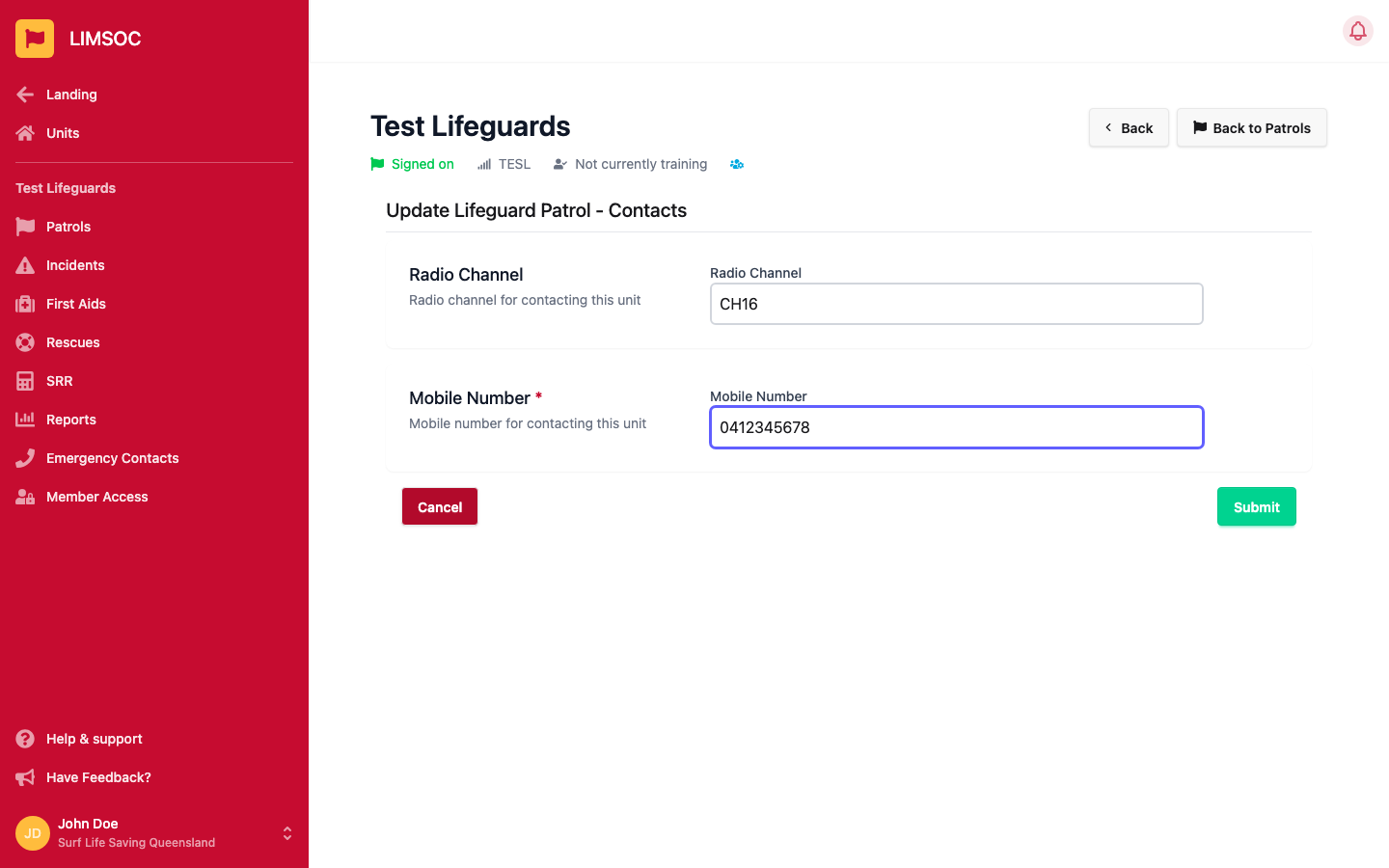
Radio Channel — the channel your unit is monitoring.
Mobile Number — a required field. This is the number Comms and other units can call this patrol on.
Click Submit to save. These details are visible to Comms/Surfcom and other units for the rest of your patrol, or until you update them again.