
While your patrol is signed on, keep its activity level and roster team up to date so Comms and reporting reflect what's actually happening on the beach.
Update your strength
From your patrol's activity screen, select Update Strength (sometimes labelled Patrol Status).
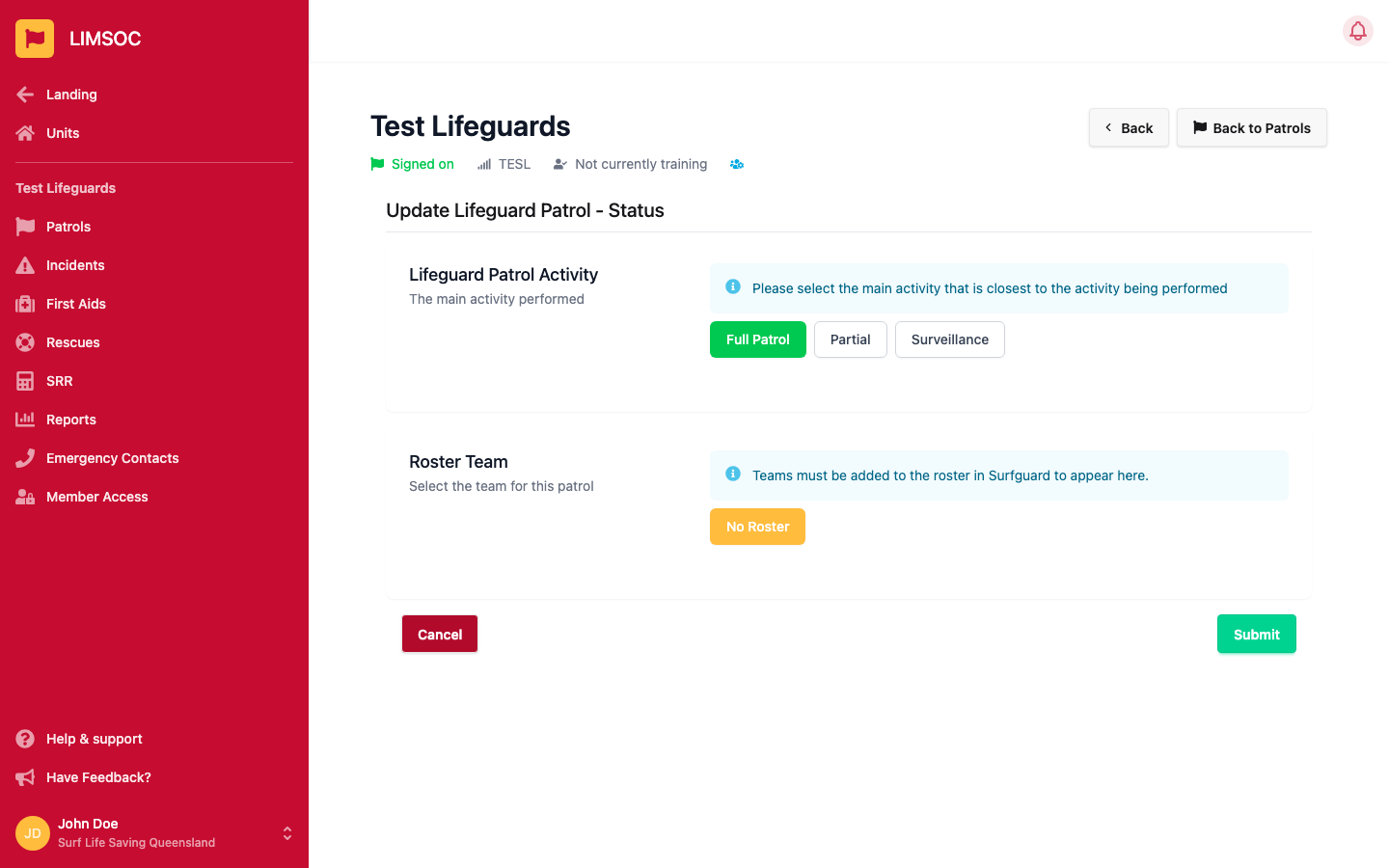
Choose the Lifeguard Patrol Activity that's closest to what your unit is actually doing right now:
Full Patrol — actively patrolling with a full rostered team.
Partial — reduced coverage, e.g. a smaller-than-rostered team.
Surveillance — watching the beach without an active patrol presence (e.g. off-season or reduced hours).
If your unit rosters through SurfGuard, the Roster Team section lets you pick which rostered team this patrol belongs to. Only teams already added to the roster in SurfGuard for today will appear here — if you don't see the right team, it needs to be added in SurfGuard first.
Click Submit to save.